2026-03-31 05:33:50

One of the things that raised a bit of a stink in my MacBook Neo review was the idea that it might be prudent for people looking to buy a $600-700 MacBook to also consider older devices off mainstream storefronts like Amazon, eBay, and Best Buy. To me, it made sense for price-sensitive buyers to weigh all their options to get the most bang for their buck, and know that they could get a computer that was a few years older, but was better in every single spec…I think that's compelling.
Which brings us to today where I was checking out Best Buy's phone prices (after seeing stories they were discounting the iPhone Air by $100-200), and stumbled quickly on the top-selling iPhone from Best Buy, the iPhone 15 for $599.

Well that happens to be exactly the price of Apple's budget iPhone 17e. If I thought a few years old MacBook Air was a pretty compelling purchase over the Neo, did that thinking carry over to the iPhones as well?
The iPhone 15 is only 2 generations behind the current iPhones, so it's really not that old or that bad a device in 2026 (in fact, it's pretty great for the most part). So which would I get? To the iPhone compare page!
Here's where the older iphone 15 still wins over the 17e:
That's not nothing, but let's look at what the 17e has over the 15:
As ever, my goal in discussing products is typically to give you the information you need to make the choice that's right for you, rather than to tell you that you, stranger on the internet who I don't know, should absolutely buy Product A over Product B.
That said, I think this comparison is more favorable to the new budget option over the older, previously more expensive device. Faster, more storage, better battery life, and more durable is a heck of a combo for the 17e. in my opinion, the biggest edge I'd give the older iPhone 15 is the camera setup, which is probably going to be pretty similar with the 1x lens, but the addition of the ultra-wide would definitely be nice to have.
Honestly, there's one spec that has always made the budget iPhones quite compelling to me as a value proposition: speed. The A19 is about 40% faster than the A16, which means not only will it be faster today, but it will also be a pleasant phone to use for a few more years than the older phone. Add onto that the other benefits we just talked about, and I can tell you that if I was given the choice, I'd personally go with the 17e 100 times out of 100.
2026-03-31 00:54:26

Something I find myself doing from time to time is wondering if I've mentioned a piece of tech before, run a specific challenge before, or just trying to remember what episode to reference when directing people to an old episode. This data exists and could be acquired if I needed to get it, but I wanted a better way.
This led to my latest micro-app, The Comfort Zone Database.
Using this website, I can instantly find all the episodes were we talked about anything I want. I'll put a video below showing how it works, but this has instantly removed basically all friction in finding what we discussed. For example, I'm able to quickly see all the episodes we mentioned the MacBook Neo.

And not only does it search the show notes and titles, it searches transcripts as well!

And because I couldn't help myself, I also made it so that clicking one of the transcript results brings you to the episode page and starts playing the episode in that segment.
There certainly could be a public version of this one day, but right now it's very much centered around my personal use case. The episode list is pulled from the RSS feed, and that feed is updated at build time. The transcripts are also being uploaded by me to the project with a very specific name format.
What this means is that once a week, I need to add the transcript file for the new episode and push the change to the repo, triggering Vercel to build and deploy the update. If I forget, this falls behind.
Ideally, this would be a generic interface that users could sign up for, add their own RSS feed, and then all details would automatically pull from their feed. The back end should also automatically check for updates on feeds every 6 hours or something like that as well. Transcript updates should pull from the remote files and not be a part of the code base, and there could be an upload UI to add these files from the web portal.
2026-03-30 05:43:21

The above screenshot is from the iPad, and it's where you get to choose how you would like apps to display in the OS. Given my recent assertions that iOS and iPadOS are already the same thing, but with different exposed features on some devices, I'd suggest that the iPhone of today effectively runs the "full screen apps" mode. There's no split screen, picture-in-picture is here, and you can swipe across the bottom of the screen to quickly switch between recent apps. That's how it works on the iPhone and the iPad when using this mode.
Windowed apps and Stage Manager are effectively two variants of the same windowing system, and while these are not exposed to iPhone users, we do know that they are in the code running on your iPhone right now.
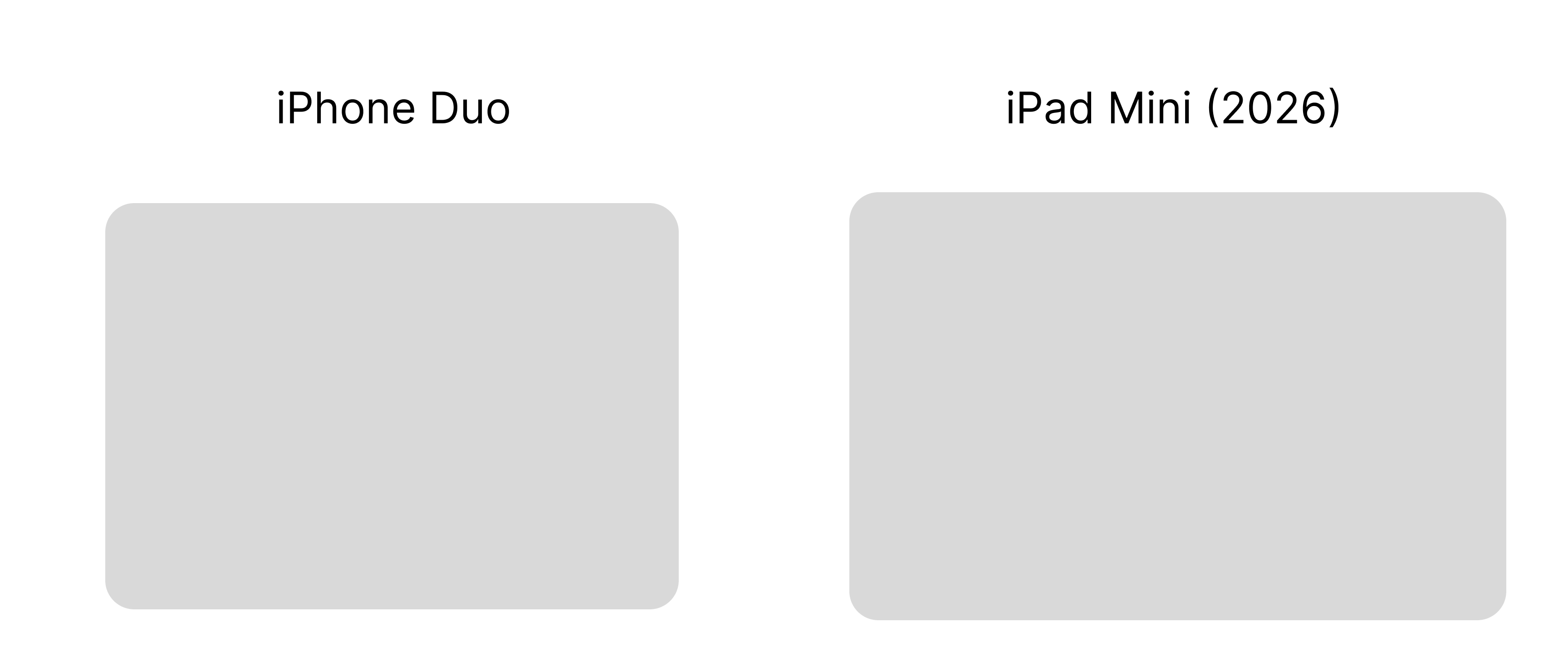
Based on reports from Mark Gurman, including this latest, it sounds like the folding iPhone will have a split screen view when unfolded, but no free window management.
I expect that in iPadOS 27, these 3 options will remain, but the full screen apps option will bring the return of split screen that does not involved free-floating windows like we have now in iPadOS 26. In June, this will make a lot of iPad users happy who didn't love needing to opt into full windowing to get the split views they used to love.
However, this new full screen apps mode will also come to the iPhone Fold this fall, allowing those users to run apps full screen and with a more iPad-style layout, while also allowing side-by-side apps on the internal screen. The iPhone would not need free floating windows, so I would not expect that to come to the Fold.
Apple could keep the naming of the OS different on the iPhone and iPad, but if this prediction comes to pass, it really does feel like in 2027 they could unify the OS naming across all their phone and tablet devices, but we'll see…that stirred people up last time I suggested it…
2026-03-28 23:39:50

This morning, I pushed a small, but important update the Quick Tier List, what I think is the best tier list web app out there.

You can now select an item from the unranked section and press the spacebar to quick look that image, just like in the macOS Finder. When you're ready to rank it, just dismiss the lightbox (spacebar again, escape, or click outside the image), and drag it where it belongs.
Often when someone is doing a tier list, they'll discuss the next item for a bit before ranking it. The tiles are so small it's hard for viewers to see, so I often see creators needing to add these images in the video edit afterwards, which is a pain.
This feature will let you bring up a much larger version of the image, which should let you have a more engaging video for viewers, as well as cut down on extra work you need to do while editing. Win win!
Quick Tier List is free for anyone to enjoy, and is also open source.
2026-03-28 23:30:41

The latest version of Quick Subtitles is here, and it's packed with some significant UI and UX improvements. Let's dive into the UX enhancements first.

A few versions ago, I added support for third-party transcription models like Parakeet and Whisper. Unlike Apple's built-in model, these models aren't integrated into the OS, depending on various factors, they often need to be "warmed up" before use. This warm up process could take anywhere from a few seconds to a minute, with the time varying by device.
The problem was that users of these models would see the transcription progress bar stuck at zero percent for an extended period, giving the impression that the app was frozen. In reality, the app was simply warming up the model, but there was no visual indication of this.
Now, you'll see a green progress bar during the model warm-up phase, and you'll also get a clearer indication when the app is converting the audio file into a format the model can better handle. Only then will the transcription process begin as usual. While this doesn't necessarily speed up the process, it keeps you informed about what's happening every step of the way. If you don't switch between models frequently, you might not be that impacted by this. However, if you're like me and are constantly testing different models, you'll definitely appreciate the improved feedback.

I've also refined the clean up feature, which I eventually determined was a bit unintuitive before. In the old version, you were presented with two wording options on the left and right, but the corresponding buttons below to accept either option were reversed. I've addressed this by combining these UI elements. Now, you simply click on the word or phrase that is correct.

Beyond usability improvements, I've also made some visual UI tweaks that I think make the app more delightful to use. The app now has a yellow tint, replacing the plain black and white aesthetic. I believe this adds a touch of personality without becoming overly playful, which I think is a good balance for a tool meant for pro workflows.

I've also tried to make the transcription progress bar more distinct by turning it into a waveform that's dynamically generated based on the file being processed. Additionally, I've replaced the basic loading indicators for the clean up and AI analysis features with real-time rendered 3D animations built in Swift. Don't worry, they're very light to render, so they're not slowing anything down. 😉
Quick Subtitles 2.2 is out now, and is a free upgrade for existing users. New users get 10 transcriptions for free and there's a one-time $19.99 fee to get lifetime access.
2026-03-28 22:02:58

Back in 2007 Apple released Mac OS X Leopard, which introduced a bunch of cool features including Quick Look. This allowed users to select a file and hit the space bar to preview it in the finder, which is awesome but it also made it so that audio and video files have a play button smack dab in the middle that you have to avoid to actually click the icon.
I hate this feature and I have never once used it intentionally.
As is so often the case, there is in fact a terminal command you can run to get rid of this feature.
defaults write com.apple.finder QLInlinePreviewMinimumSupportedSize -int 99999
Then restart the Finder by running killall Finder and the change will be in place.
Basically, macOS has a setting that will only show the inline preview on icons of a certain size. It's unset by default, so all icons in icon view, no matter the size, show the preview. By setting it to 99999, you're setting the minimum size so high that you'll never get close to having an icon big enough to hit the threshold.
And don't worry, this does not impact the ability to hit spacebar on an icon to see a large preview of it.
If you ever decide you miss this feature, you can bring it back by deleting the setting with this command:
defaults delete com.apple.finder QLInlinePreviewMinimumSupportedSize
Then run killall Finder to have the setting restored.