2026-09-26 20:45:36
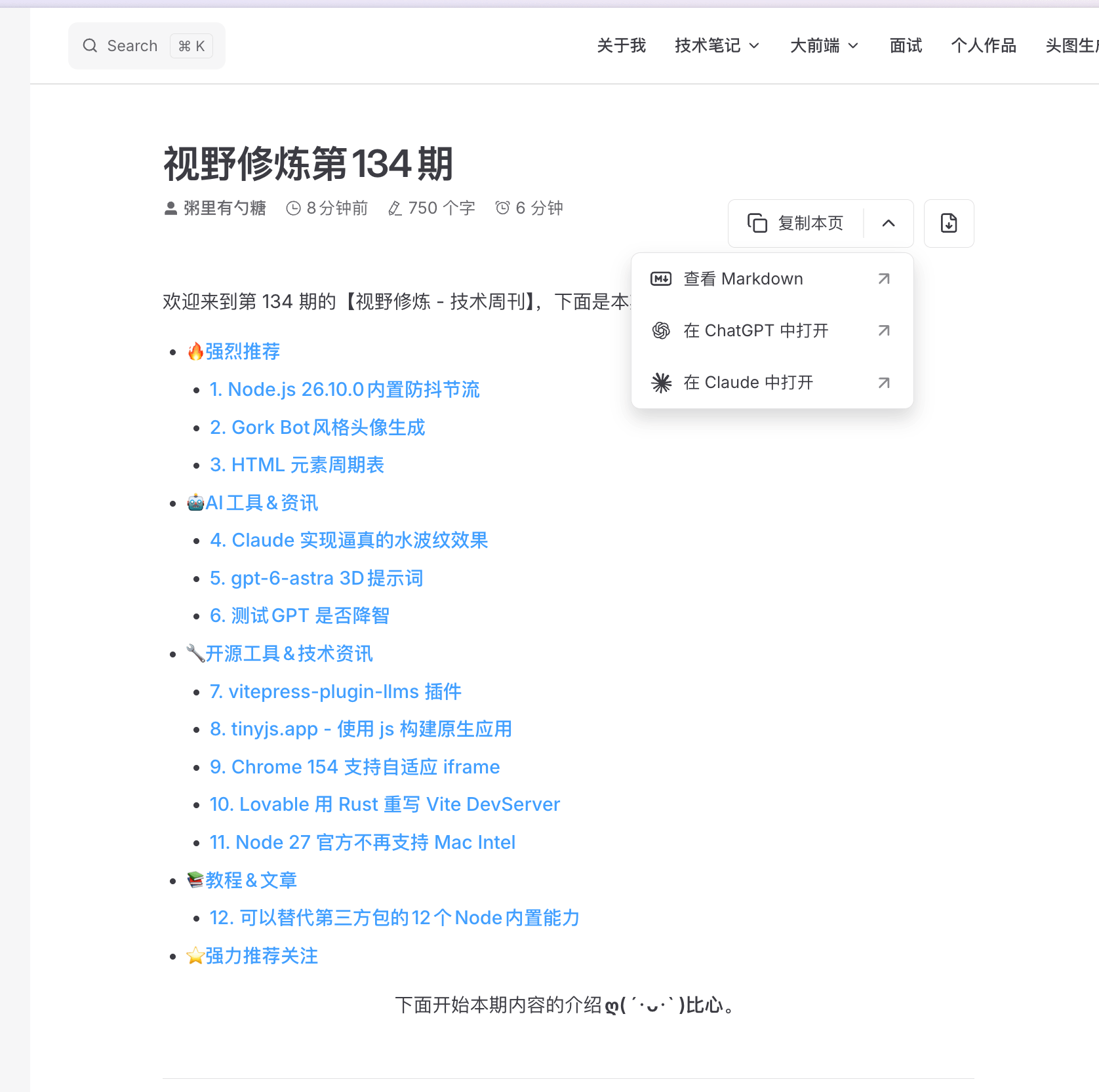
欢迎来到第 134 期的【视野修炼 - 技术周刊】,下面是本期的精选内容简介
下面开始本期内容的介绍ღ( ´・ᴗ・` )比心。
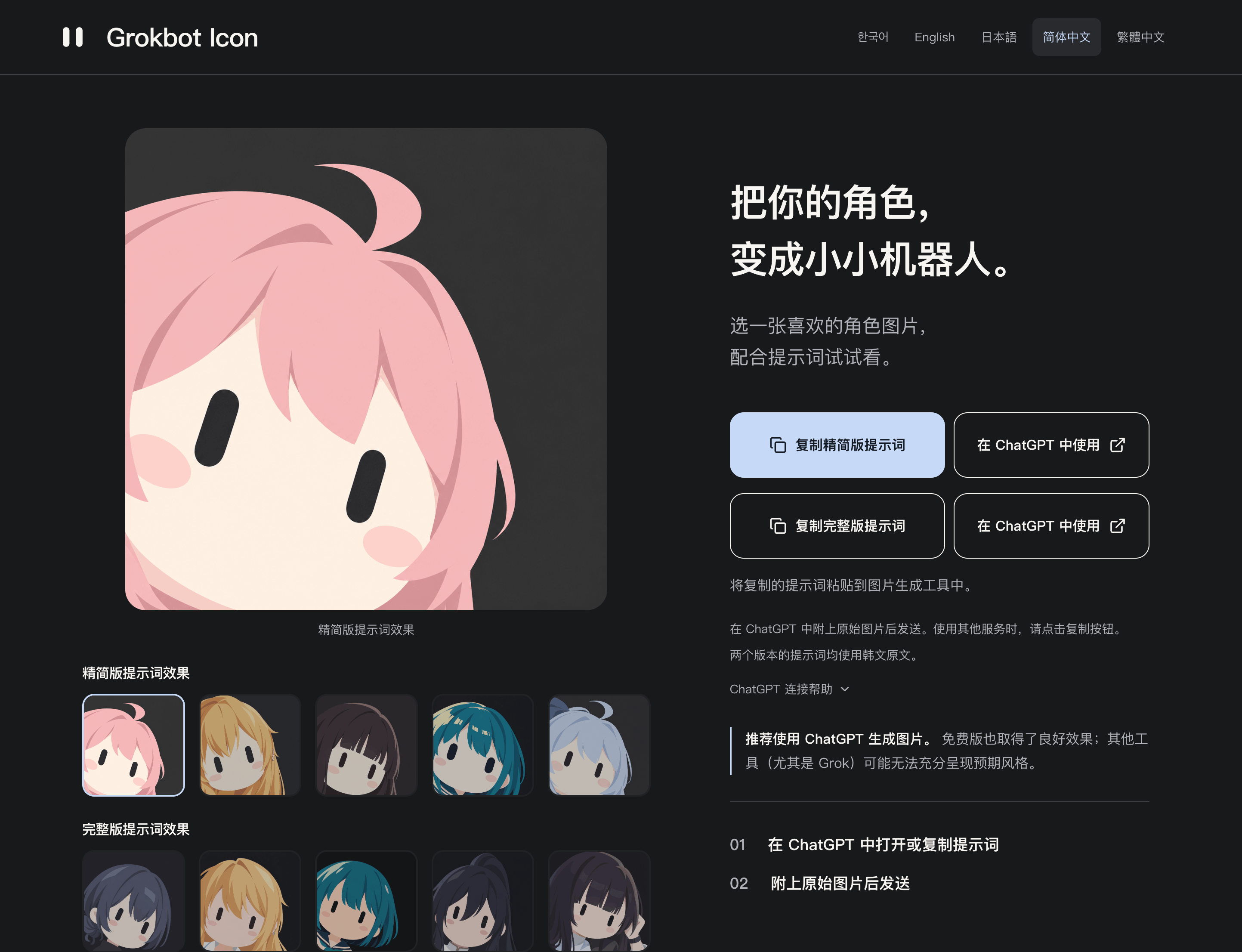
提示词是韩文的,原站访问可能需要点手法。
我给 fork 了一份,大家可以自己 copy 玩玩:gork-bot-icon-prompt
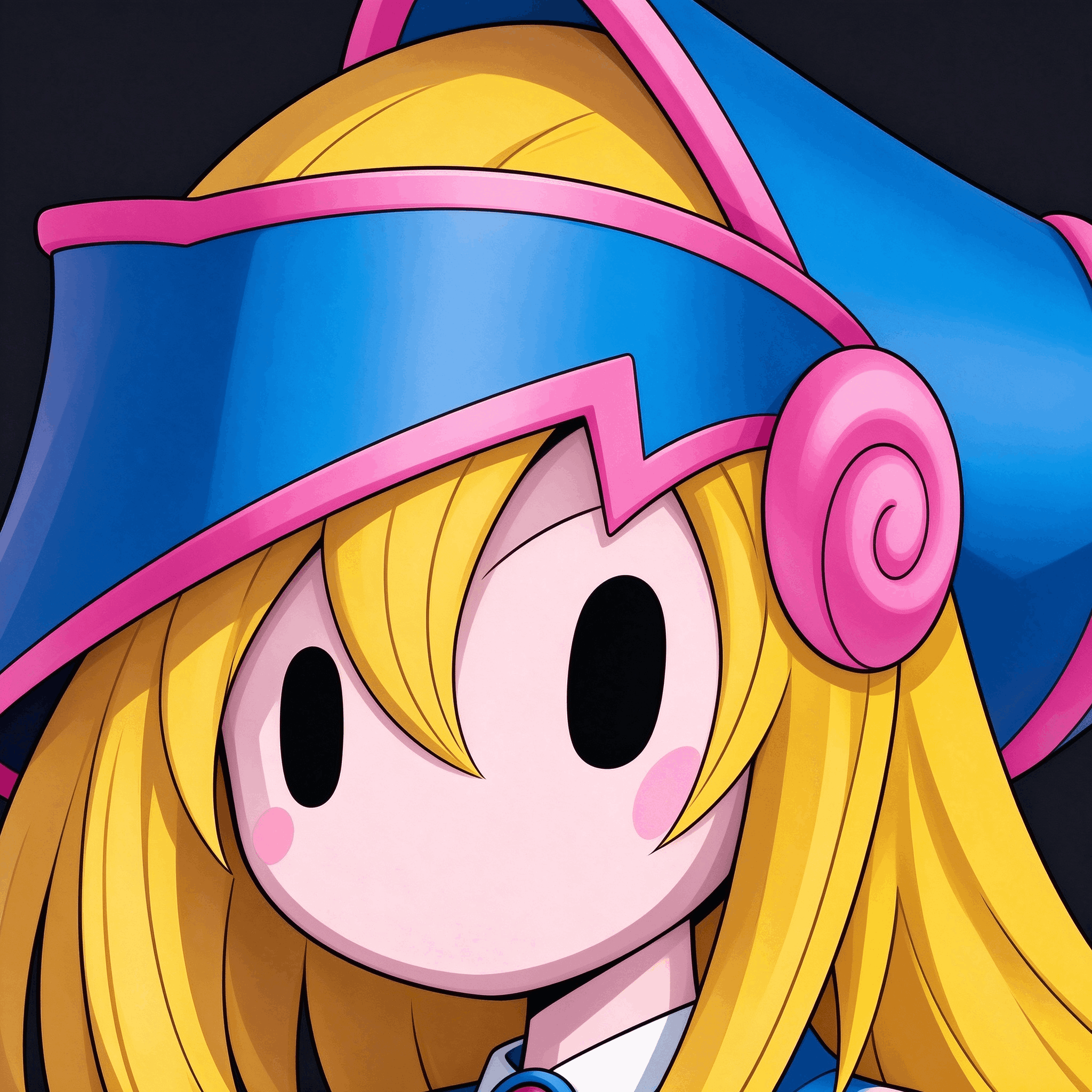
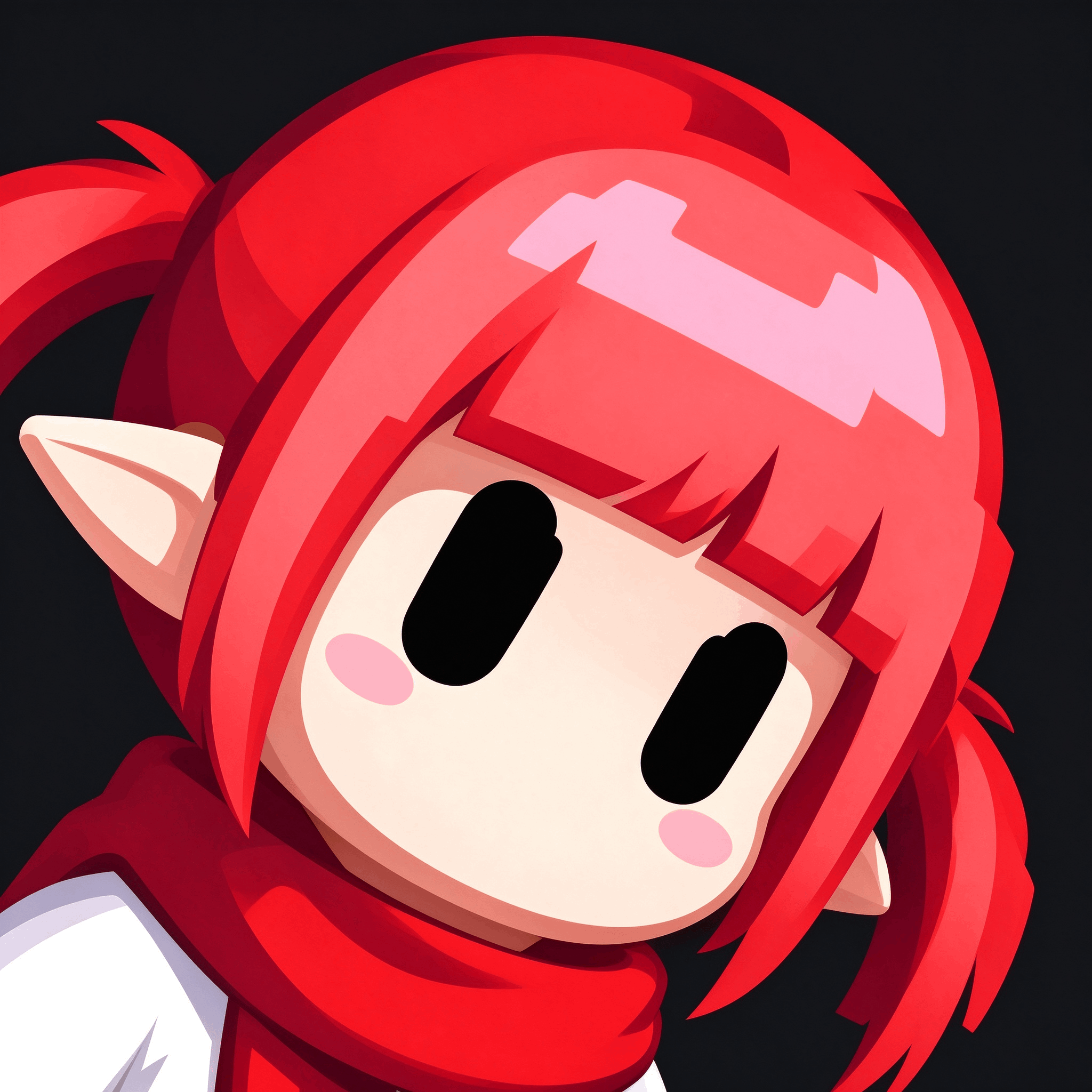
我也生成了几个还挺可爱(豆包就可以)。
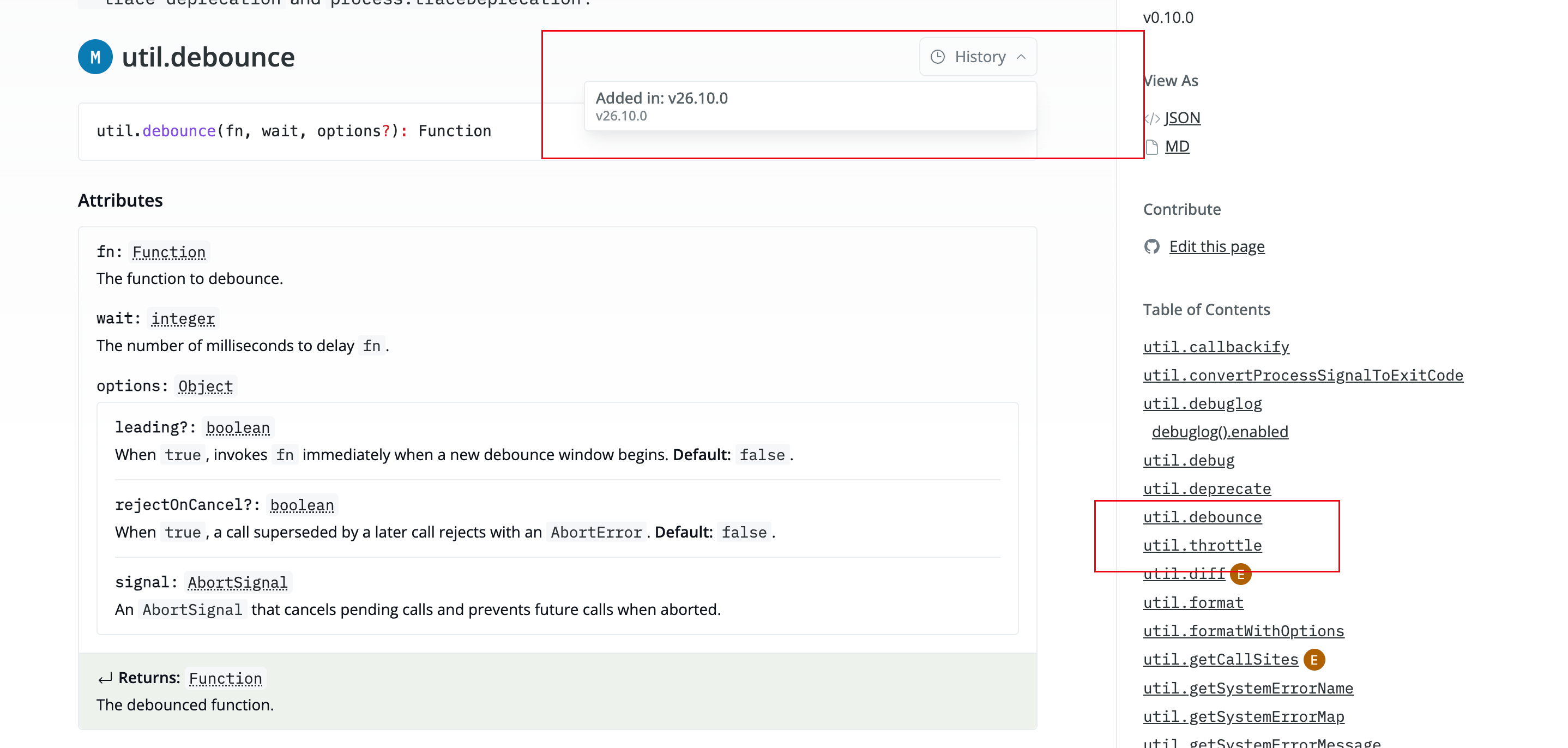
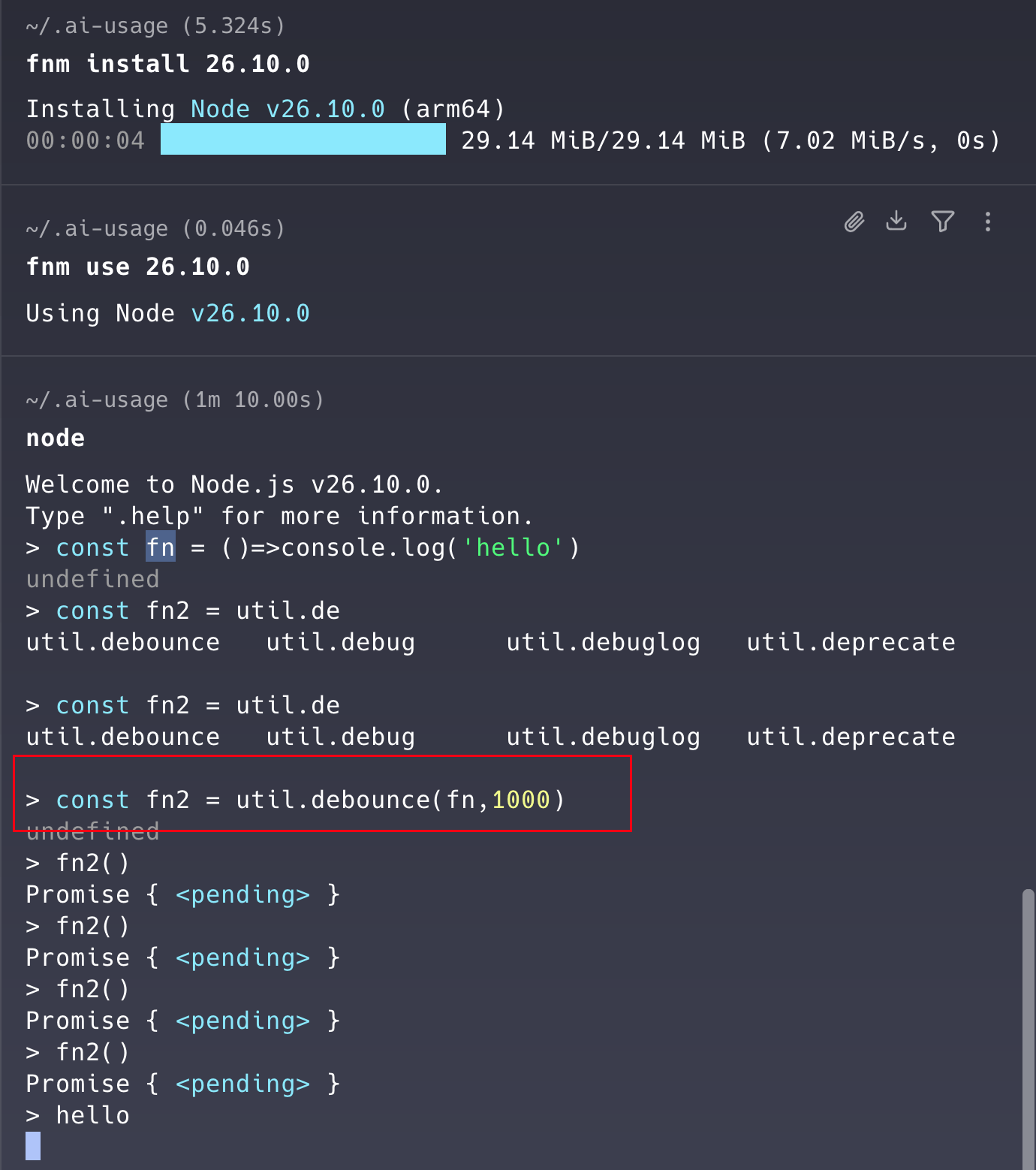
util.debounce/throttle.
替大伙试试
以后手撕直接 util.throttle. 闪瞎面试官👓
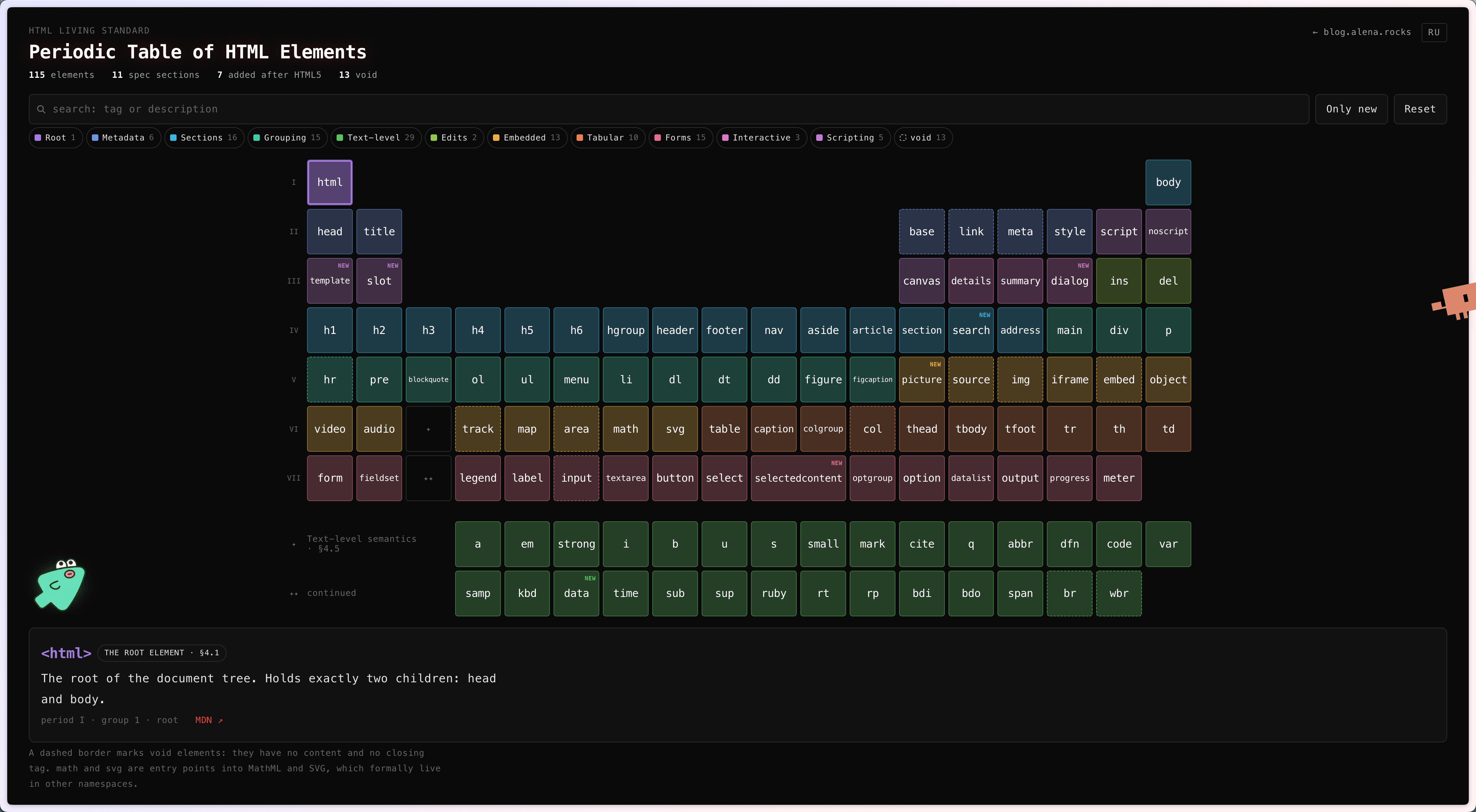
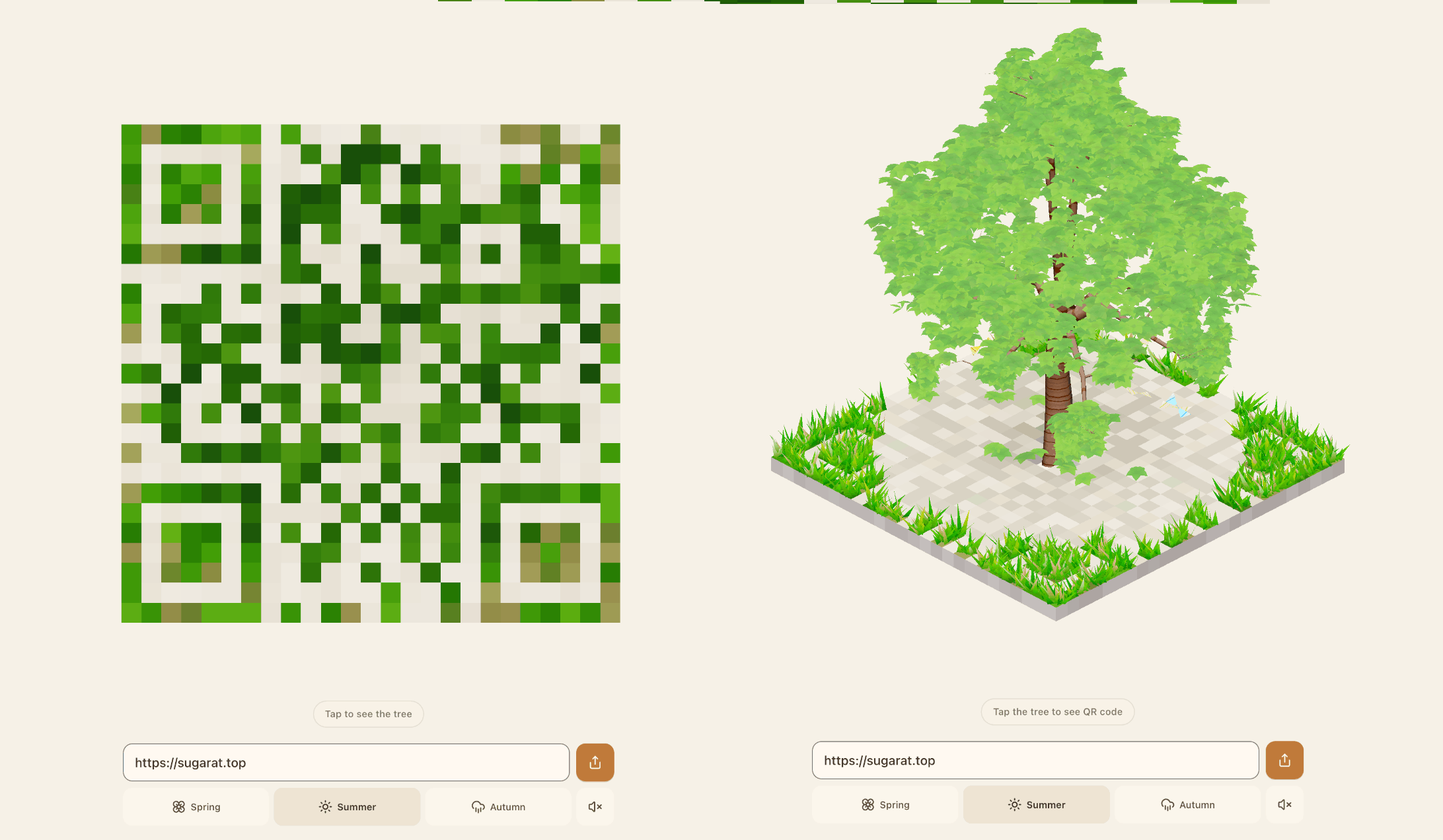
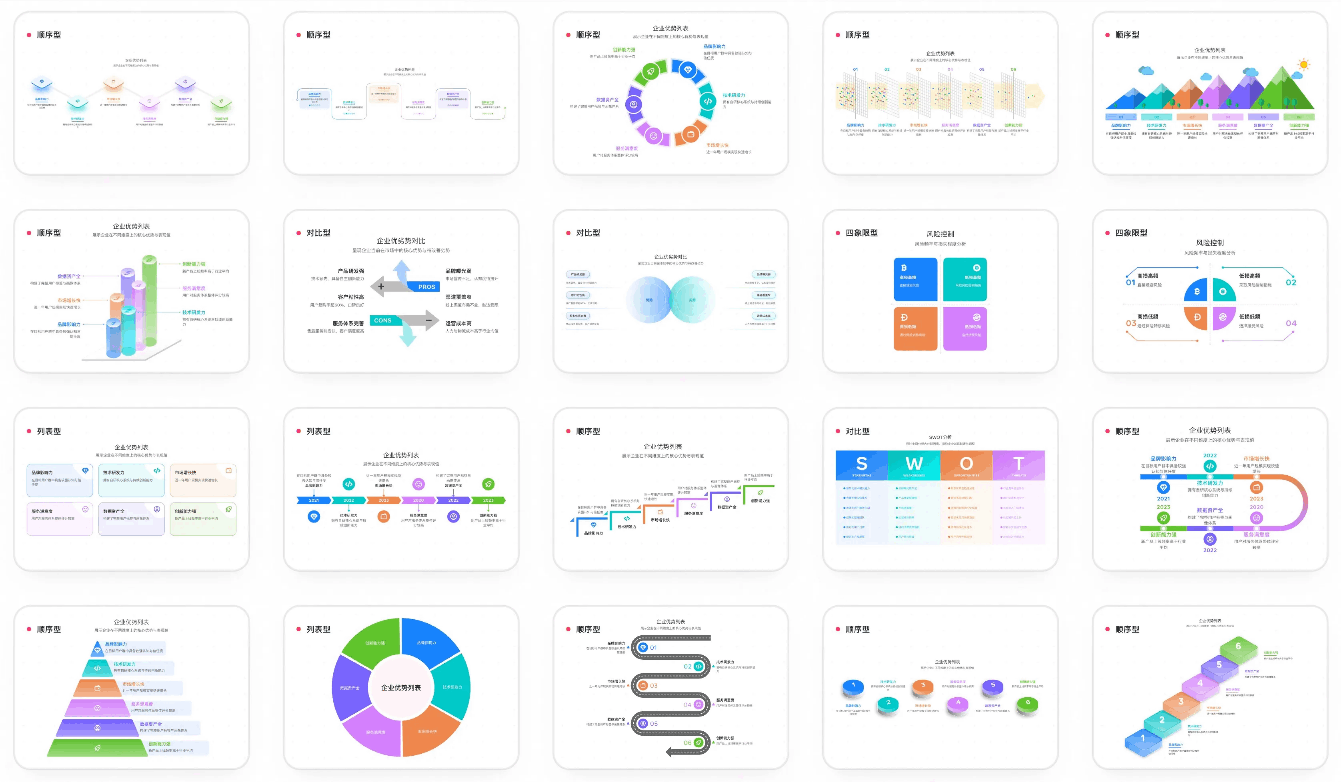
展示形式很新颖👍🏻。
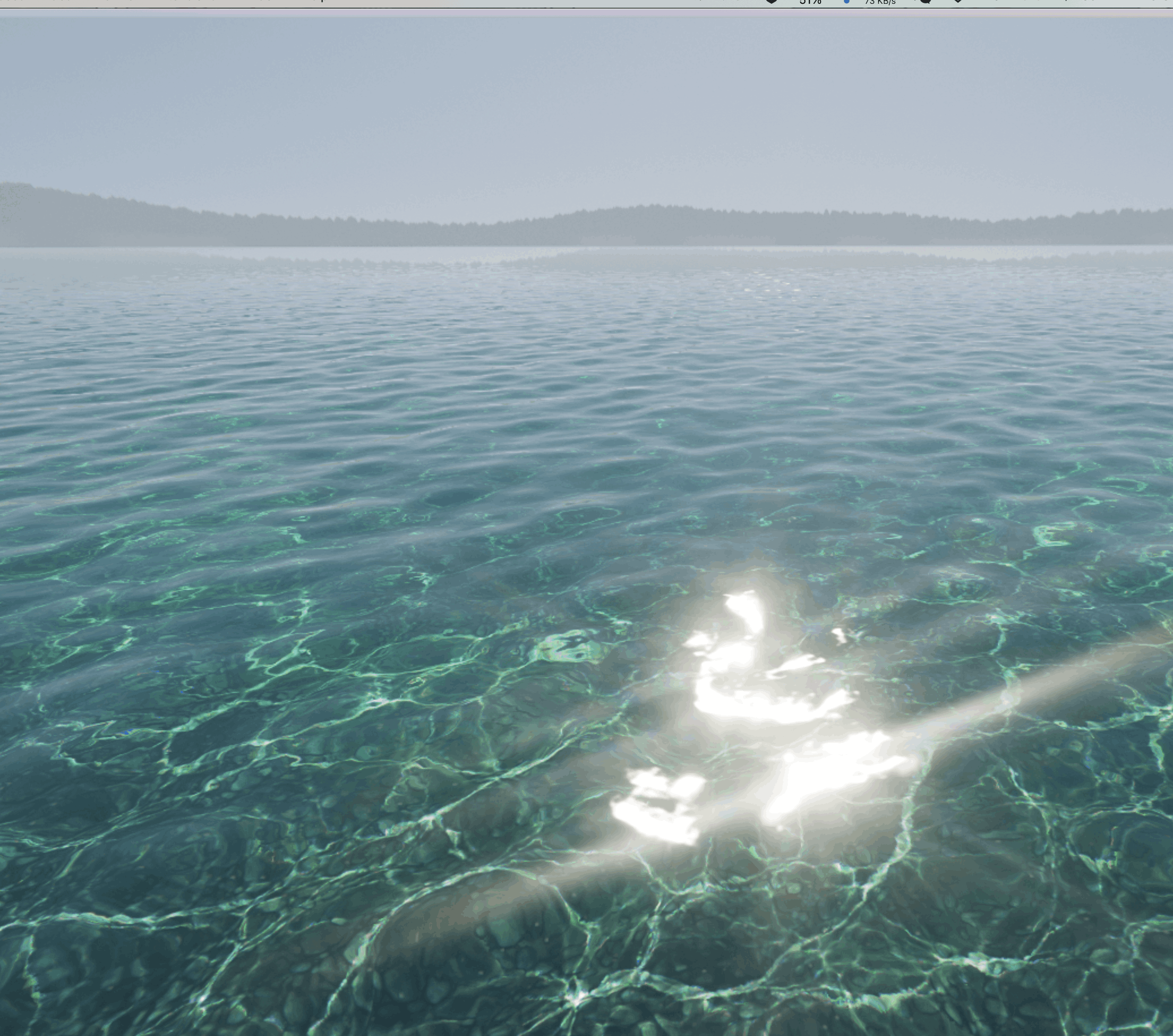
源码:https://github.com/Aureliengmz/clearwater
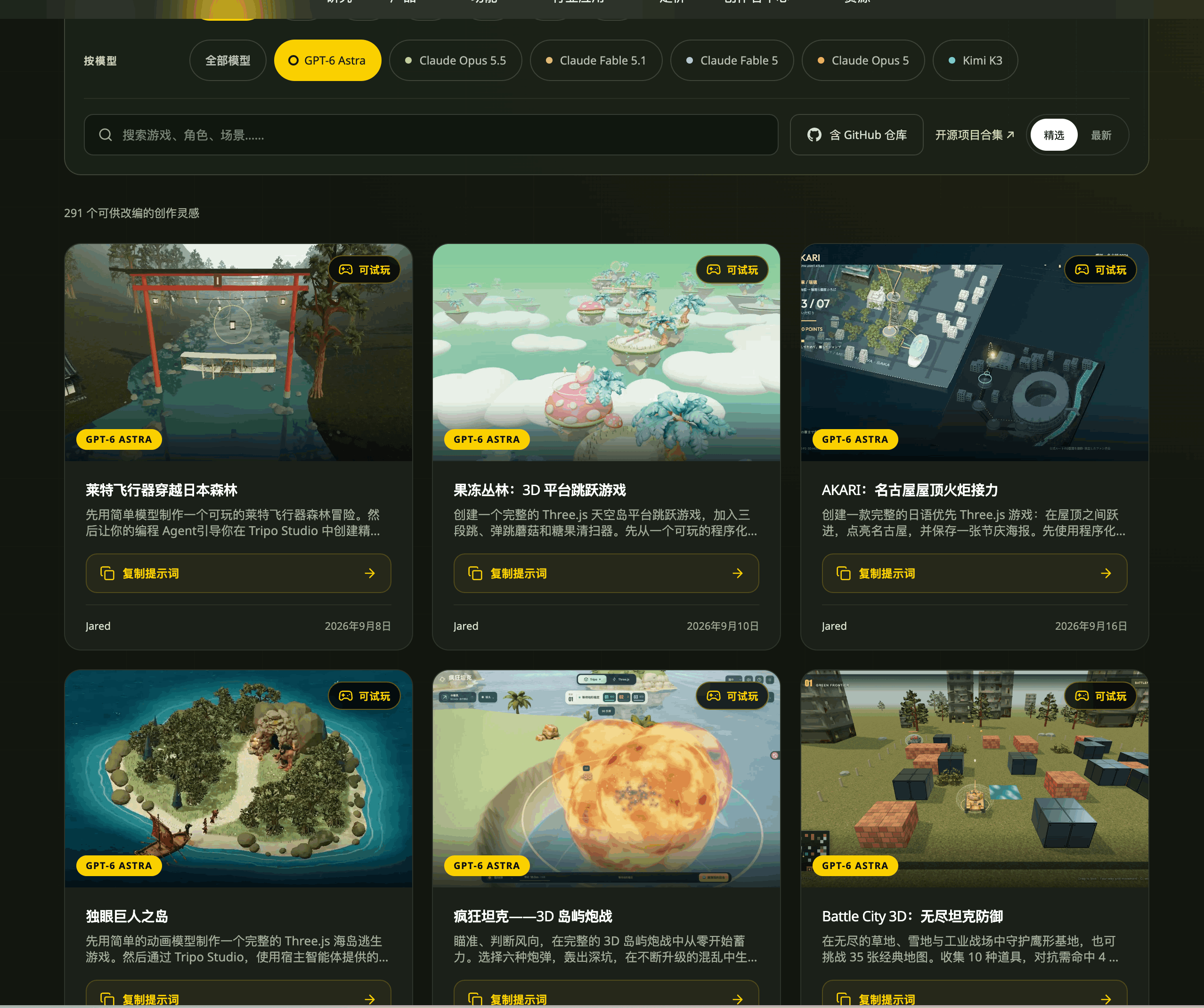
最近看了很多 Claude 5.5 的demo 屌爆了,就是太贵了用不起。
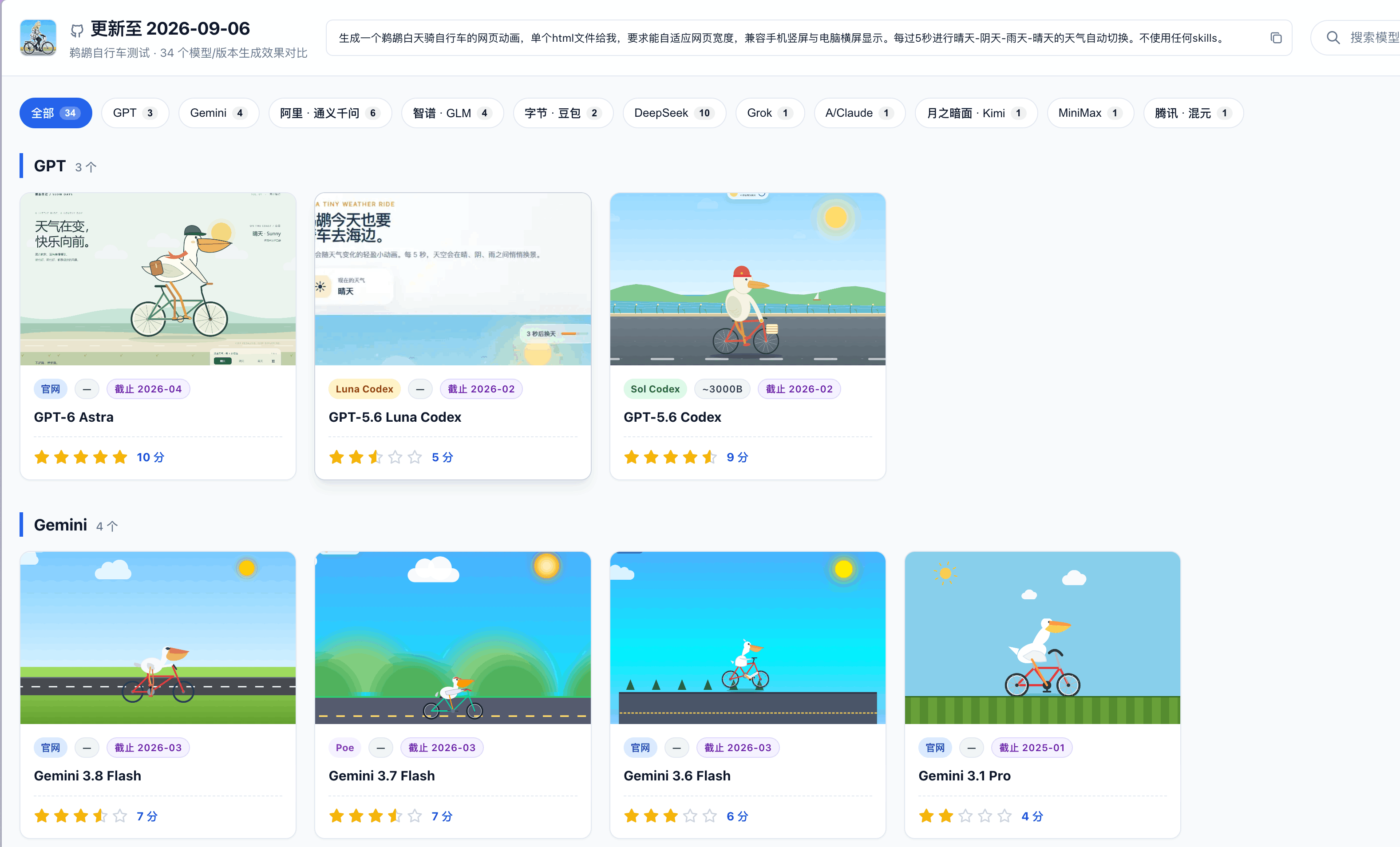
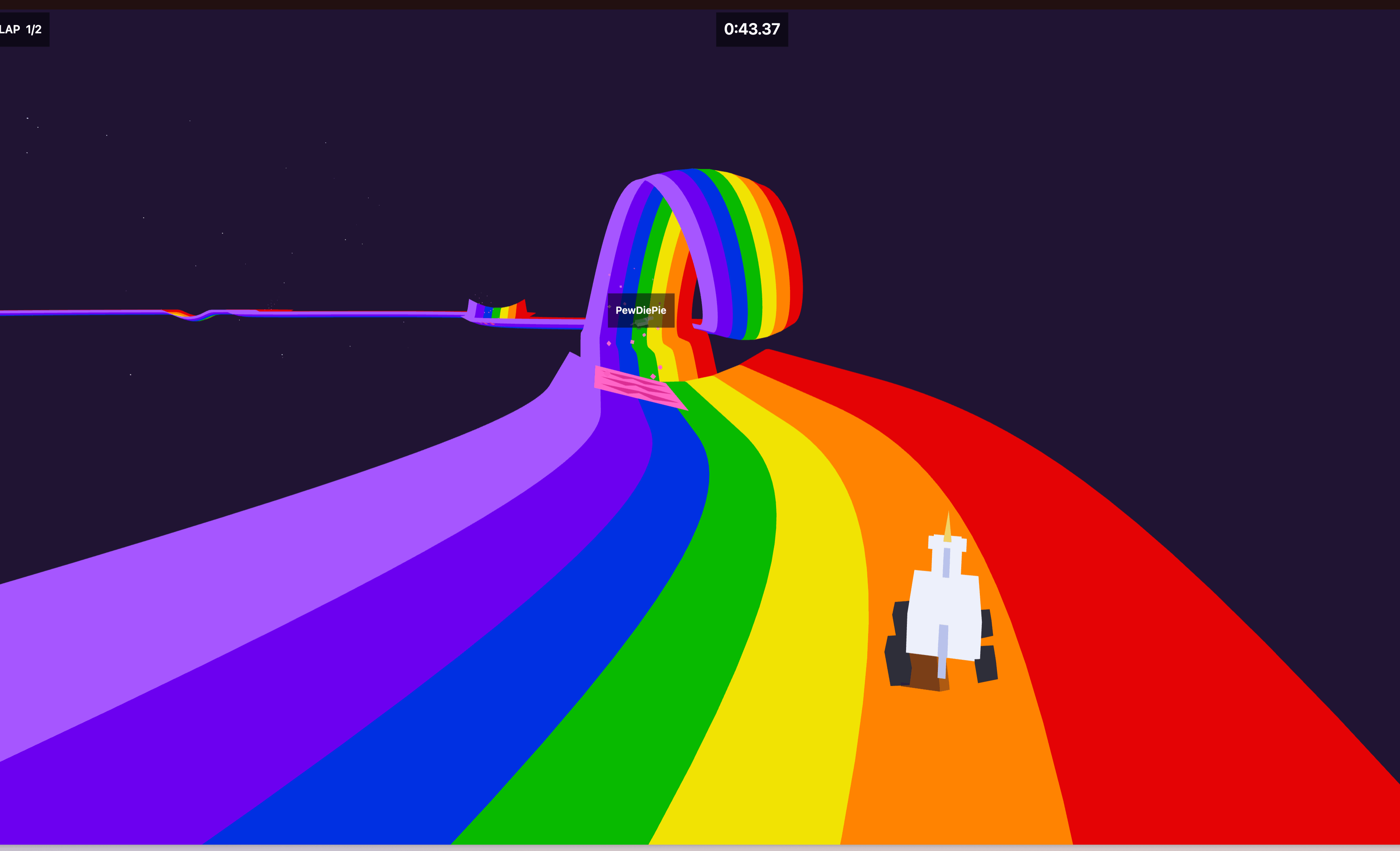
直接一手参考做成小游戏。
经典 「骑自行车的鹈鹕」
这个站点也有一些收集
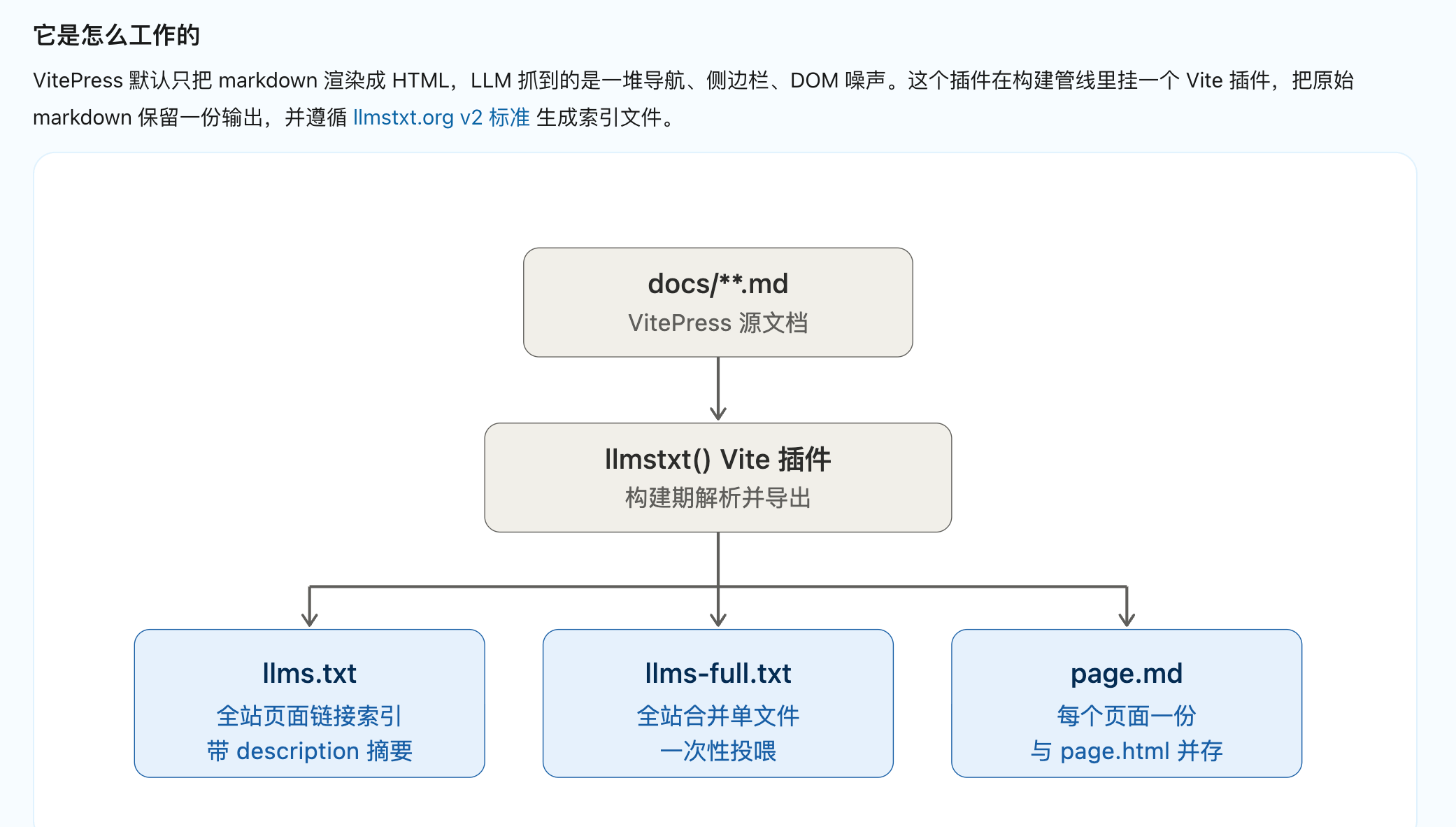
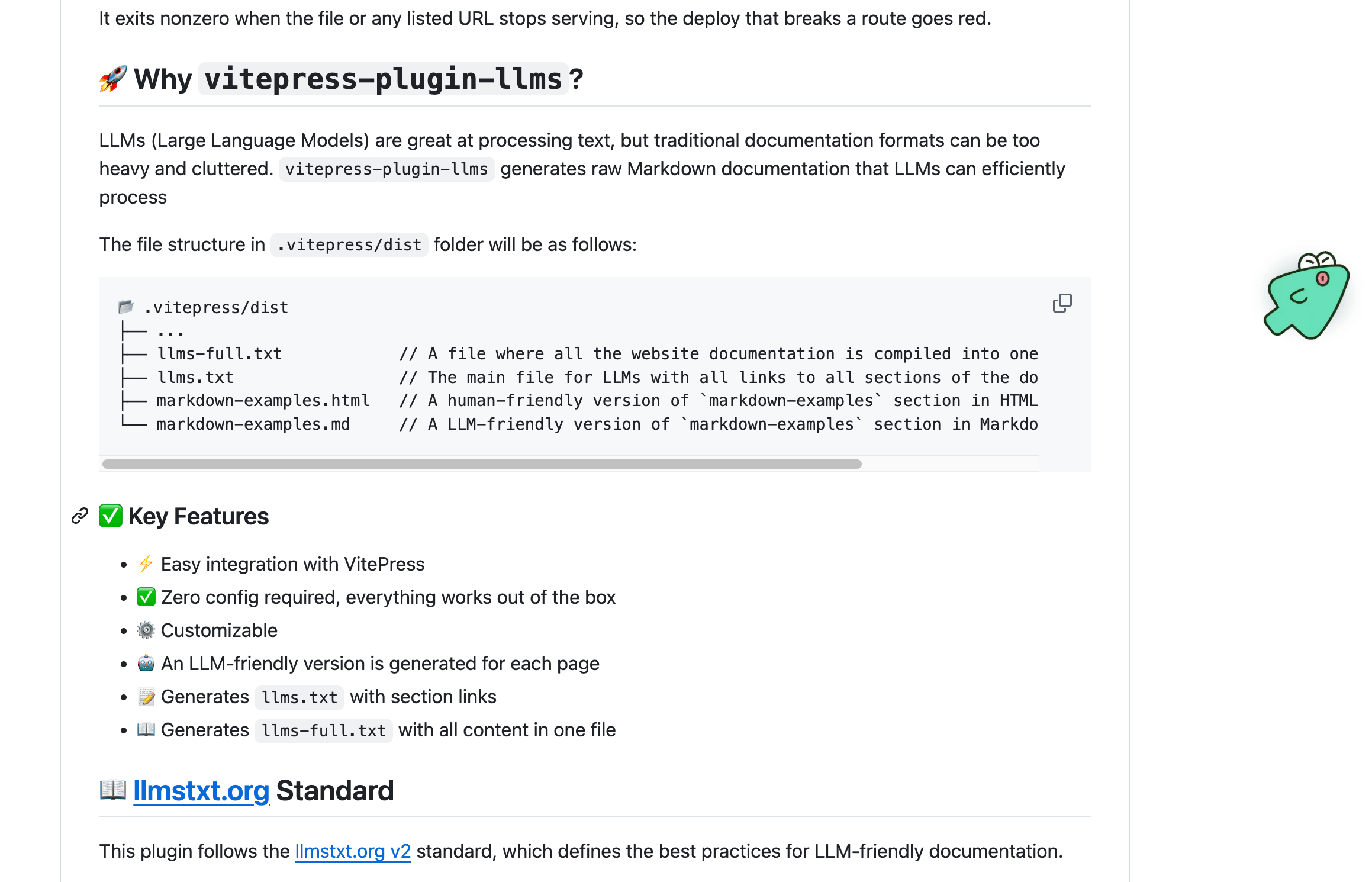
生成大模型友好的文档。
可以用工具测试一下你的站点llm支持情况。
npx llms-txt-check https://sugarat.top我给博客加上了,嘿嘿。
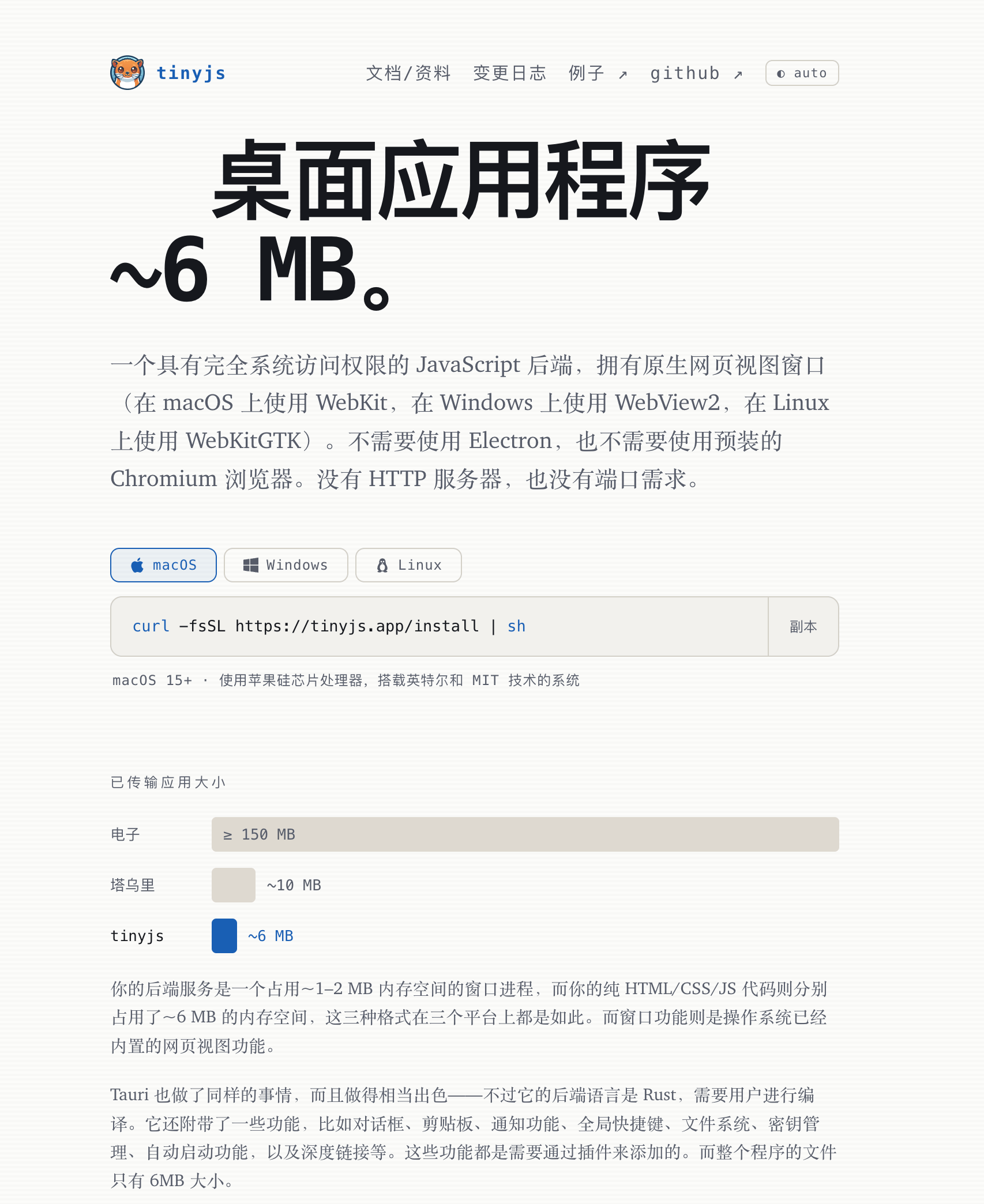
作者横向对了多个主流的这个打包出来的 APP 体积非常小。
不过这个还是个新项目,适合尝鲜小项目使用。
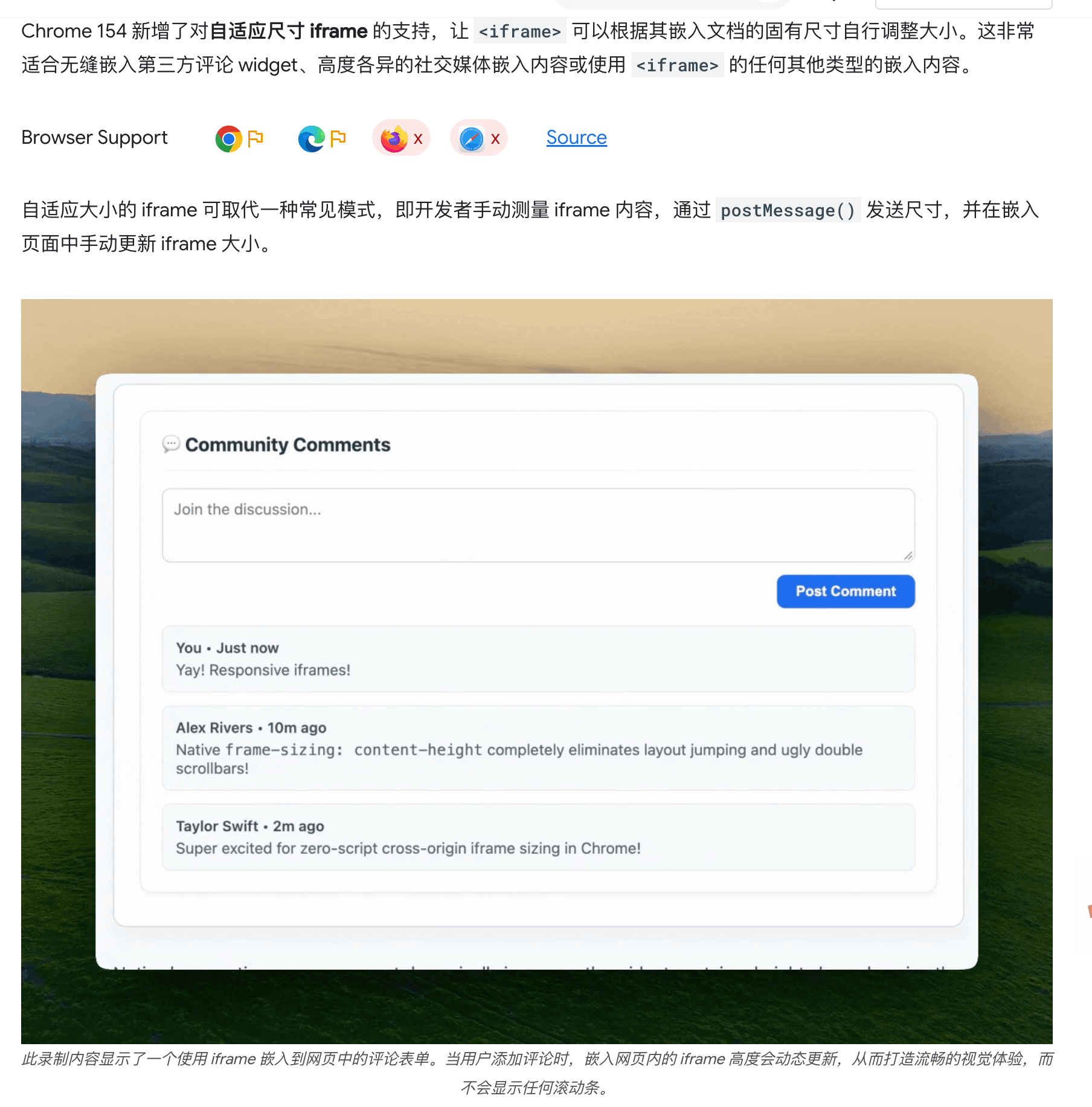
嵌入的 iframe 可以自适应内容尺寸了,
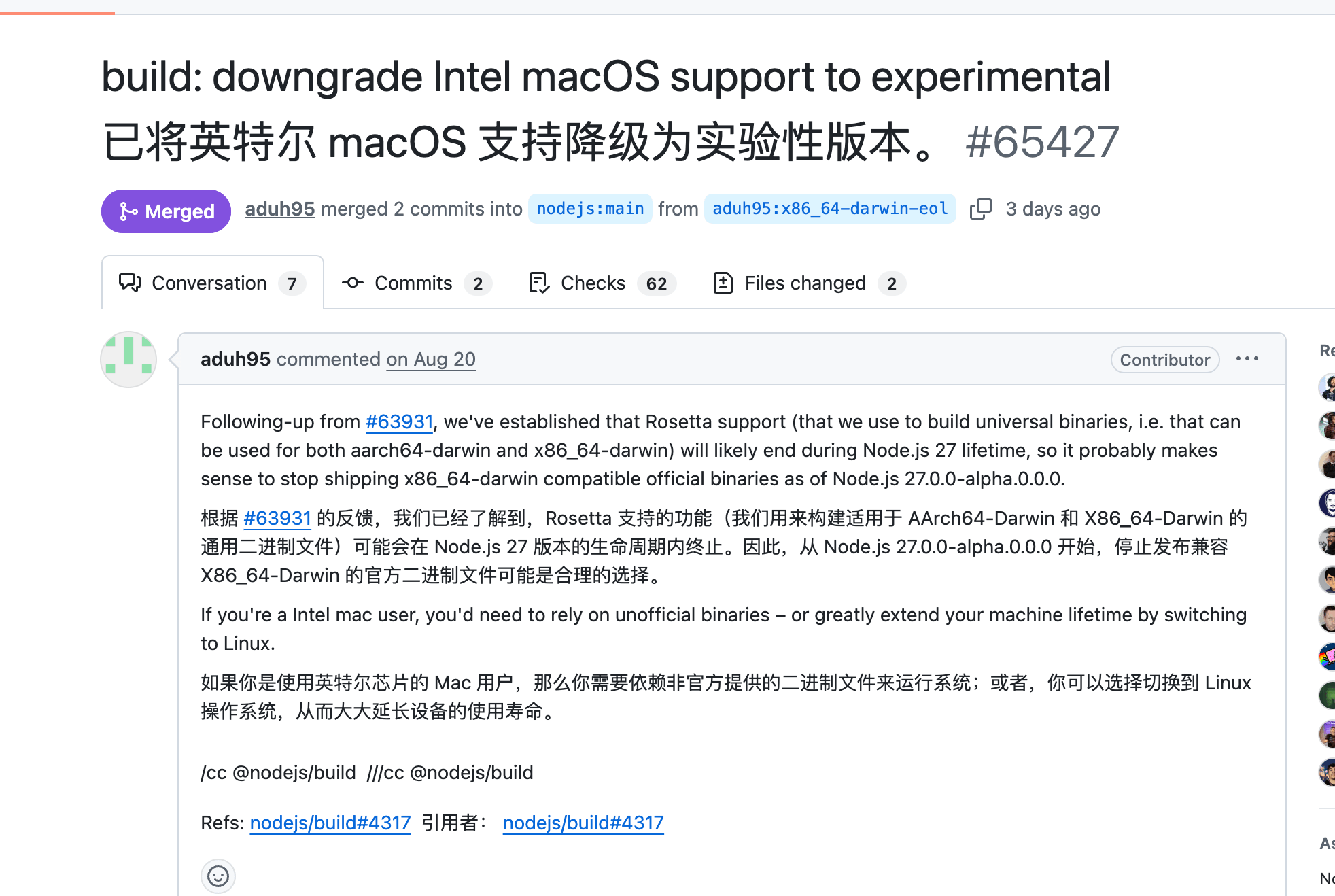
从 Node 27 起,Intel Mac 降级为 "experimental" 支持—— 不再有官方 x64 macOS 构建,只剩 arm64 安装器
这里调几个常用的
node --watch 替代 nodemon 开发时自动重启--env-file 替代 dotenv 加载环境变量util.styleText() 替换 chalk 等颜色库的 console.log
node:test ,node:assert 替代 jest 和 mocha 单元测试util.parseArgs 替换了 yargs 、 commander CLI 参数解析场景node:sqlite 替代 better-sqlite3
周刊部分内容来源如下渠道,推荐大家关注。
2026-09-26 17:56:04
源站:https://grokbot-icon-studio.serio-ai.chatgpt.site/en
함께 제공되는 이미지를 미니멀 2D 봇 얼굴로 재해석하라. 원본에서는 머리색·헤어 실루엣·대표 장식만 유지. 크고 둥근 크림색 얼굴에 옅은 타원형 볼 홍조. 눈은 동일한 크기로 평행하게 놓인 검은 단색 세로 캡슐 두 개(길이:굵기=3:1). 홍채·흰자·반사광·속눈썹·눈썹·입·코 없음. 1:1 정사각형, 차콜 단색 배경. 왼쪽 아래에서 고개를 시계 방향 15° 기울여 들여다보는 초근접 구도. 얼굴과 머리카락은 왼쪽·아래 경계에서 크롭하고 두 눈은 온전히 노출, 오른쪽 위에는 배경 여백. 큰 덩어리의 머리카락, 파스텔 플랫 채색, 최소 음영과 디테일. 몸통·손·무기·원형 테두리·문자·로고·입자 없음. 원본 재현보다 캡슐 눈과 입 없는 봇 얼굴을 우선. 이미지 한 장 생성.[목표]
사용자가 제공한 이미지 속 인물 또는 캐릭터를 검은 캡슐 눈을 가진 미니멀 2D 봇 아이콘 한 장으로 재해석한다.
원본에서 대상을 알아보는 데 필요한 외형적 특징을 가져오고, 얼굴 구조·눈·표정·구도·채색은 아래 규격을 따른다. 이 지침에서 Grok bot icon은 이 시각 규격을 가리킨다.
[원본에서 가져올 정보]
변환 대상의 피부톤 또는 얼굴 표면의 기본색, 머리색과 헤어 실루엣을 확인한다. 머리카락의 길이, 가르마, 곱슬기, 대표적인 앞머리와 묶음 형태는 원본을 기준으로 정한다.
특징적인 귀, 모자, 안경, 수염, 장식, 기계 부품 중 식별에 필요한 요소를 선택한다. 기본색은 유지하고, 형태로 보존할 핵심 특징은 최대 세 가지 정도로 추린다. 작은 디테일보다는 큰 실루엣을 우선한다.
피부색과 머리색을 특정 색으로 통일하지 않는다. 머리카락이 없거나 가려져 있다면 그 상태를 유지하며, 원본에 없는 앞머리·장신구·기계 부품을 추가하지 않는다.
원본의 표정과 사실적인 얼굴 구조는 복사하지 않는다. 복잡한 의상과 장비는 식별에 필요한 부분만 남긴다.
별도의 스타일 참고 이미지가 있더라도 캐릭터의 외형 정보는 변환 대상에서만 가져온다. 스타일 참고 이미지 속 피부색·머리색·헤어스타일·장식을 옮기지 않는다.
[얼굴]
크고 둥근 봇 얼굴에 단순화된 머리카락과 식별 특징을 결합한다. 귀여움은 표정 장식보다 둥근 비율과 기울어진 구도로 표현한다.
얼굴은 원본의 피부톤 또는 표면색을 바탕으로 넓고 매끈한 색면으로 그린다. 볼과 턱을 부드럽게 연결하고, 뾰족하거나 각진 턱과 사실적인 골격 묘사는 피한다.
입과 코는 그리지 않는다. 웃는 입, 작은 점 형태의 입, 고양이 입도 넣지 않는다.
양 볼에는 피부톤과 어울리는 낮은 채도의 옅은 타원형 홍조를 작게 넣는다. 홍조는 선이나 반짝임 없는 납작한 색면으로 표현한다.
눈과 홍조 주변에는 충분한 빈 얼굴 면적을 남긴다. 안경이나 수염이 핵심 식별 특징이라면 최소한의 형태로 유지할 수 있다. 안경은 두 눈을 가리지 않게 하고, 수염은 입이나 사실적인 얼굴 구조를 묘사하는 방식으로 그리지 않는다.
[눈]
눈은 검은색에 가까운 단색 캡슐 도형 정확히 두 개로 그린다. 얼굴을 똑바로 세웠을 때 세로로 긴 막대이며 양 끝은 둥글다. 세로 길이는 가로 폭의 약 2.5~3배로 하고, 두 눈은 같은 크기로 서로 평행하게 배치한다.
각 눈의 긴 축은 두 눈의 중심을 잇는 선과 직각을 이룬다. 이 배치를 유지하면서 [구도]에서 지정한 방향과 각도로 머리와 두 눈을 함께 기울인다. 가로로 누운 막대나 감은 눈 형태로 그리지 않는다.
각 캡슐을 빈틈없는 한 가지 색으로 채운다. 이 도형 자체가 눈이므로 내부에 별도의 안구나 동공을 그리지 않는다.
홍채, 흰자, 반사광, 반짝임, 그라데이션, 속눈썹, 눈꺼풀, 눈썹, 테두리 장식은 넣지 않는다. 숫자 1의 갈고리나 밑받침처럼 보이는 획도 없다.
원본의 눈 모양과 눈 색보다 이 규격을 우선한다.
[구도]
1:1 정사각형 캔버스에 캐릭터 한 명을 배치한다. 얼굴과 머리카락 또는 머리의 외곽 형태를 매우 크게 확대하여 화면 대부분을 채운다.
캐릭터가 화면 왼쪽 아래에서 고개를 기울여 들여다보는 구도다. 머리를 시계 방향으로 약 15~20도 기울여 화면 왼쪽 눈이 오른쪽 눈보다 조금 높게 보이게 한다. 얼굴, 두 눈, 머리카락과 부착된 장식은 같은 기울기를 따른다.
머리의 왼쪽과 아래쪽 가장자리는 화면 경계에서 자연스럽게 잘린다. 턱은 화면 아래에 닿거나 일부가 화면 밖으로 나가며, 오른쪽 위에는 짙은 배경의 여백을 남긴다.
두 눈은 앞머리나 장식에 가려지지 않고 온전히 보여야 한다. 머리 전체를 작게 넣는 정중앙 증명사진 구도나 좌우 대칭 구도는 피한다.
몸통과 손은 그리지 않는다. 식별에 필요한 경우에만 목이나 옷깃의 작은 일부를 화면 아래에 남긴다. 얼굴 확대와 가장자리 크롭은 의도된 구성이다.
[머리카락·장식·채색]
머리카락은 잔가닥 대신 몇 개의 크고 매끈한 덩어리로 단순화한다. 원본의 앞머리 방향, 길이감과 전체 실루엣을 유지한다.
외곽선이 거의 없는 색면 중심의 미니멀 2D 표현을 사용한다. 굵은 검은 윤곽선 대신 인접한 색면의 차이로 형태를 구분한다.
원본의 대표색으로 플랫하고 부드럽게 채색한다. 기본색에 한 단계 정도의 넓고 약한 음영만 더하며, 머리카락 하이라이트가 필요하면 큰 색면 한두 개로 제한한다.
장식과 기계 부품은 실루엣과 큰 연결부만 남긴다. 작은 나사, 배선, 회로, 촘촘한 패널선, 복잡한 문양은 생략한다.
작은 프로필 아이콘으로 축소해도 검은 캡슐 눈 두 개와 원본의 핵심 실루엣이 즉시 읽혀야 한다.
[배경과 제외 요소]
배경은 캔버스 전체에 이어지는 거의 검은색의 짙은 차콜 단색으로 한다. 배경 사물과 패턴은 넣지 않는다.
원형 프레임, 배지 테두리, 글자, 숫자, 로고, 워터마크, 말풍선, 감탄 표시, 글리터, 파티클, 빛 번짐, 렌즈 플레어는 제외한다.
실사, 3D 렌더, 유화 질감, 거친 스케치선, 과도한 광택, 복잡한 명암, 잔머리 묘사, 과밀한 장식은 피한다.
[충돌 처리]
규칙이 충돌하면 다음 순서를 따른다.
1. 장식 없는 검은 캡슐 눈 두 개.
2. 입과 코 없는 둥근 봇 얼굴.
3. 두 눈이 온전히 보이는 기울어진 초근접 구도.
4. 원본의 기본색과 핵심 식별 특징.
5. 기타 세부 사항.
앞머리가 눈을 가리면 대표적인 흐름을 유지하면서 길이·폭·위치를 조정한다. 핵심 장식이 크롭으로 완전히 사라지면 알아볼 수 있는 부분이 남도록 크기와 위치를 소폭 조정한다. 이 과정에서 원본에 없는 특징을 만들어내지 않는다.
[실행과 후속 수정]
사용자가 생성 또는 변환을 요청하면 설명이나 문구 없이 실제로 생성한 완성 아이콘 한 장으로 응답한다. 변환할 이미지 한 장만 첨부하고 별도의 질문을 하지 않았다면 기본 변환 요청으로 처리한다.
변환 대상 이미지를 확인할 수 없다면 첨부를 요청한다. 이미지에 여러 인물이 있고 대상이 지정되지 않았다면 누구를 변환할지 확인한다.
프롬프트 수정, 규칙 설명, 결과 분석 또는 사용법만 질문하면 글로 답하고 새 이미지를 생성하지 않는다. 제작 명세는 요청받았을 때만 글로 제공하며 이미지 안에는 넣지 않는다.
후속 수정에서는 요청한 부분만 변경하고, 별도 변경 요청이 없는 스타일 규격과 캐릭터 특징은 유지한다.
실제로 생성하거나 확인하지 않은 결과를 생성 완료 또는 검증 완료라고 설명하지 않는다.2026-09-24 08:00:00
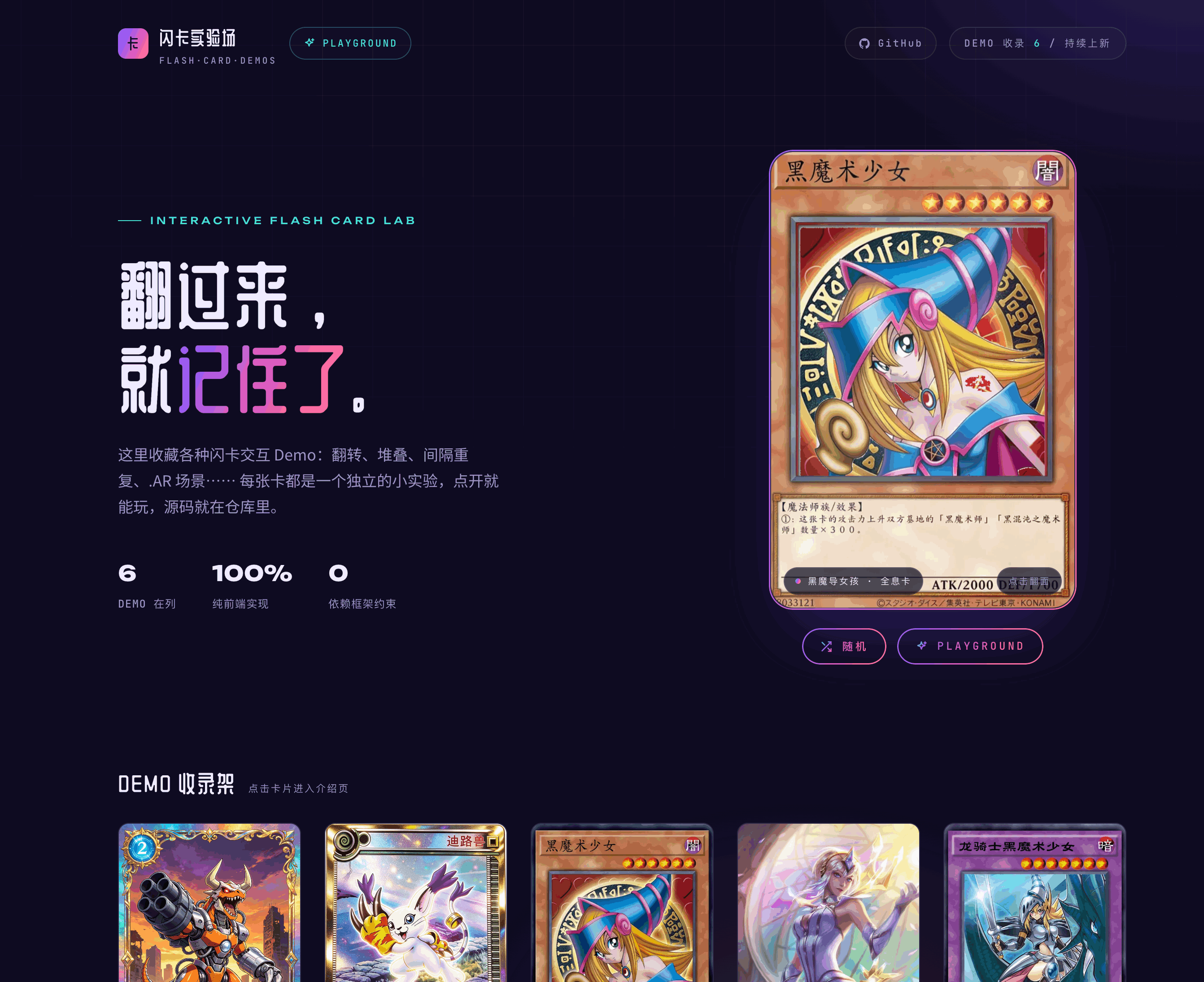
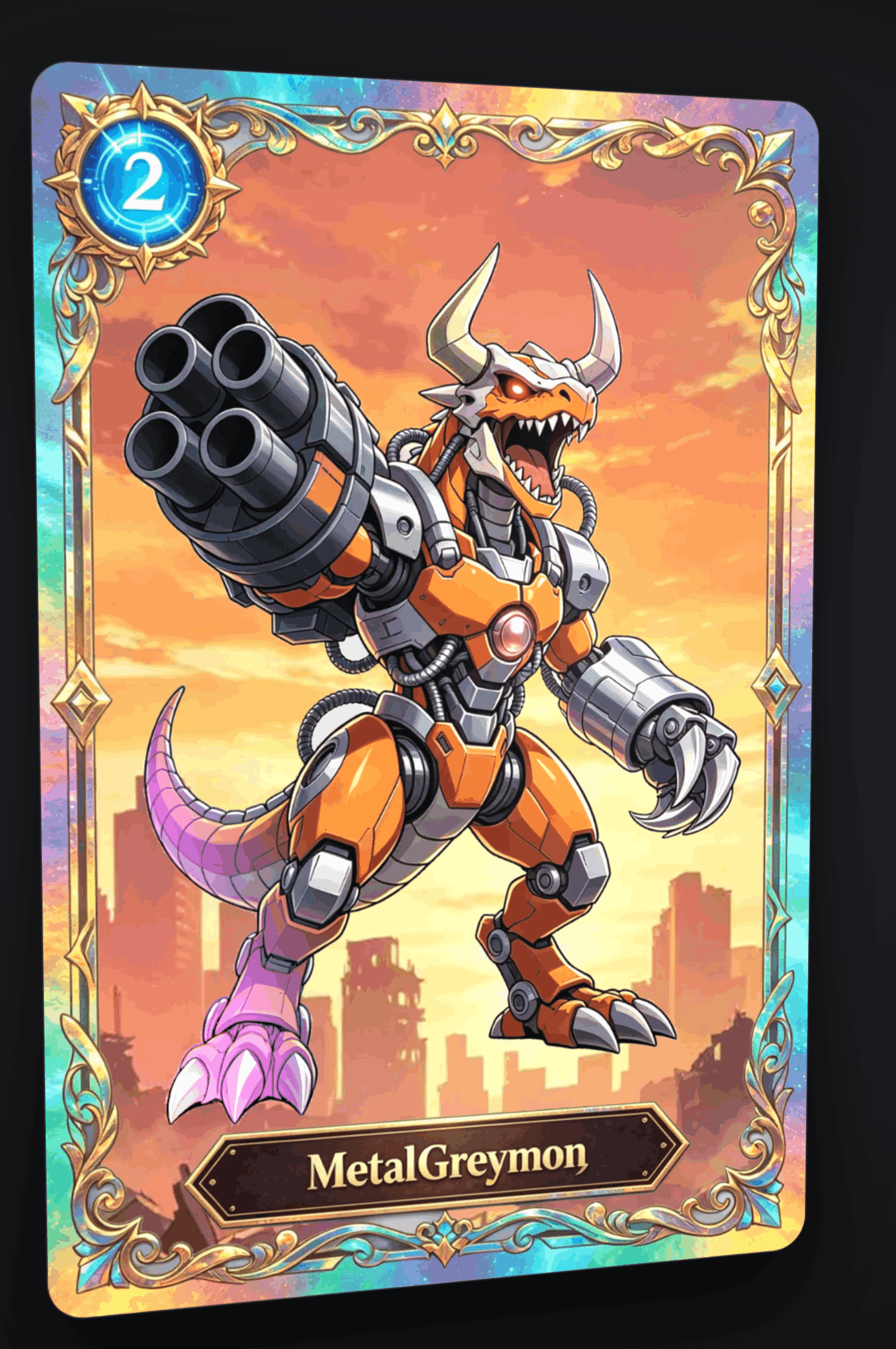
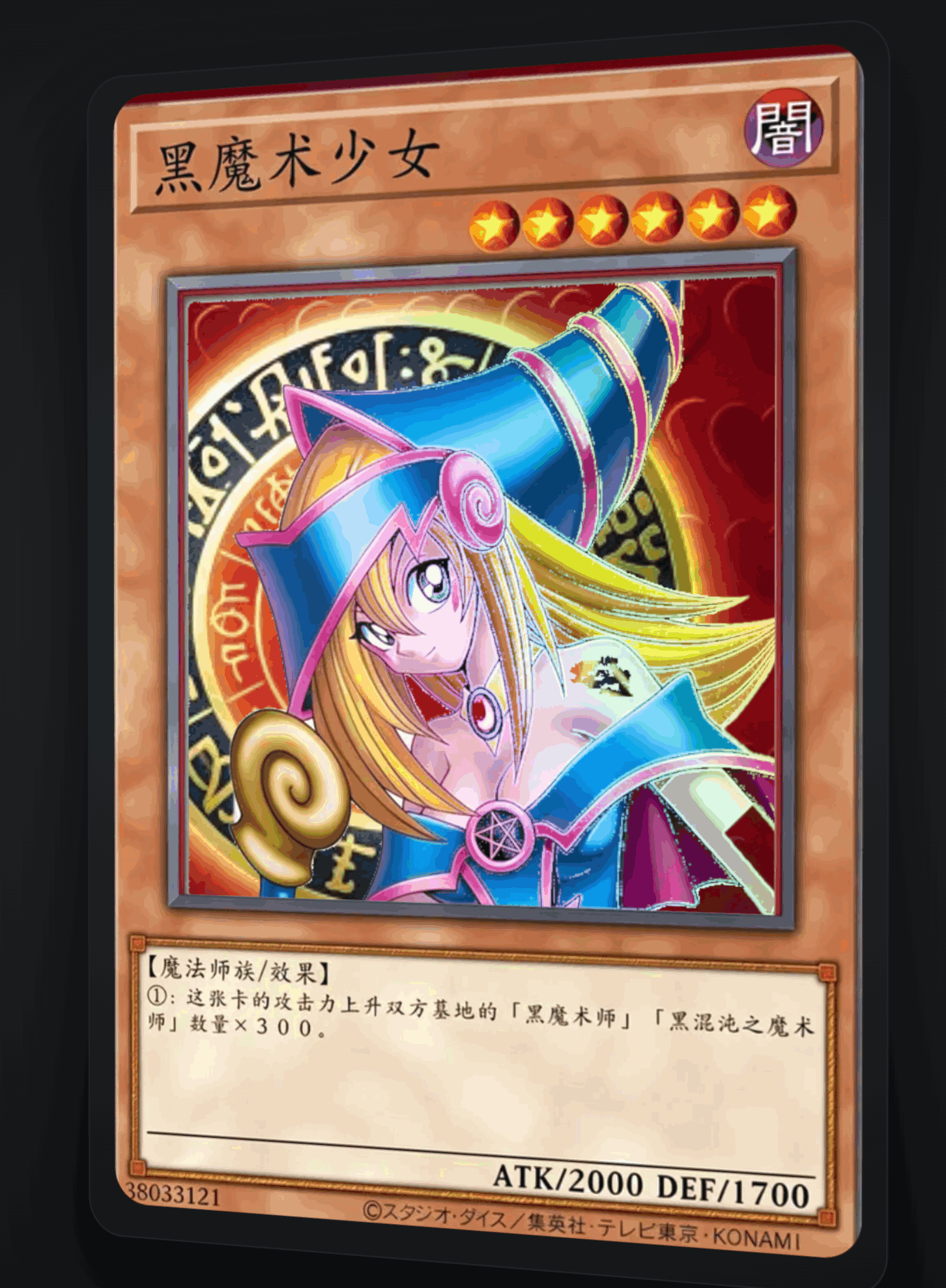
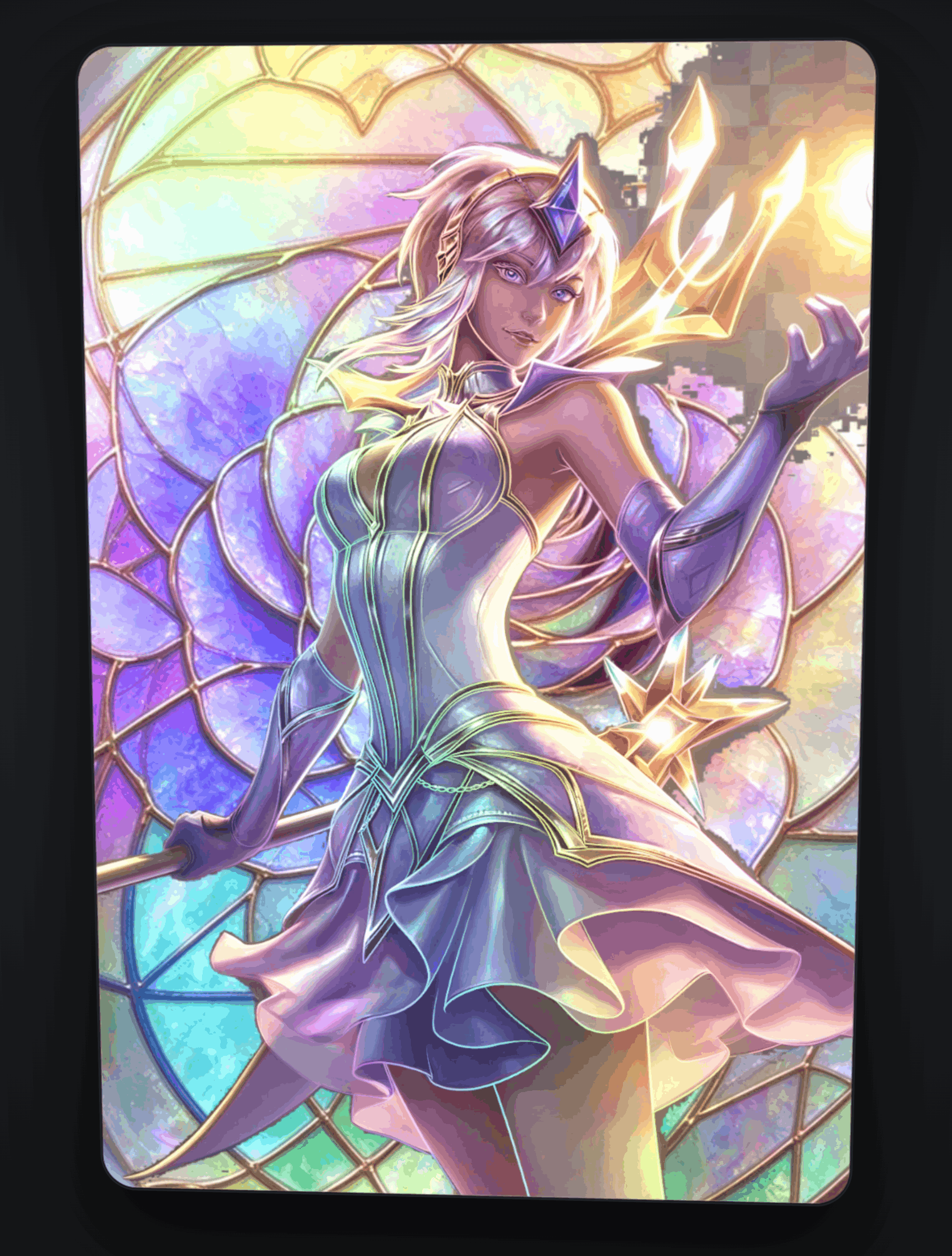
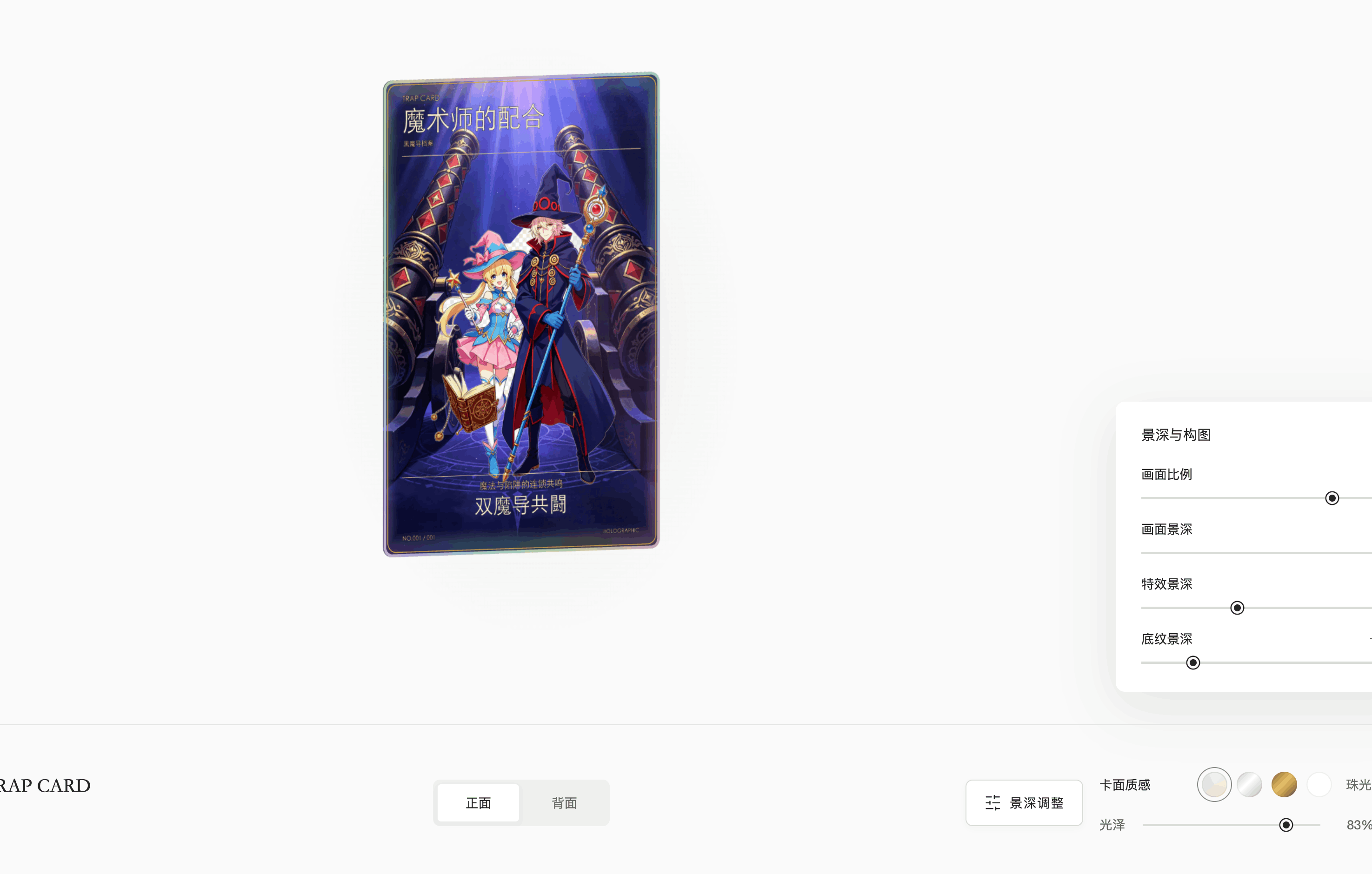
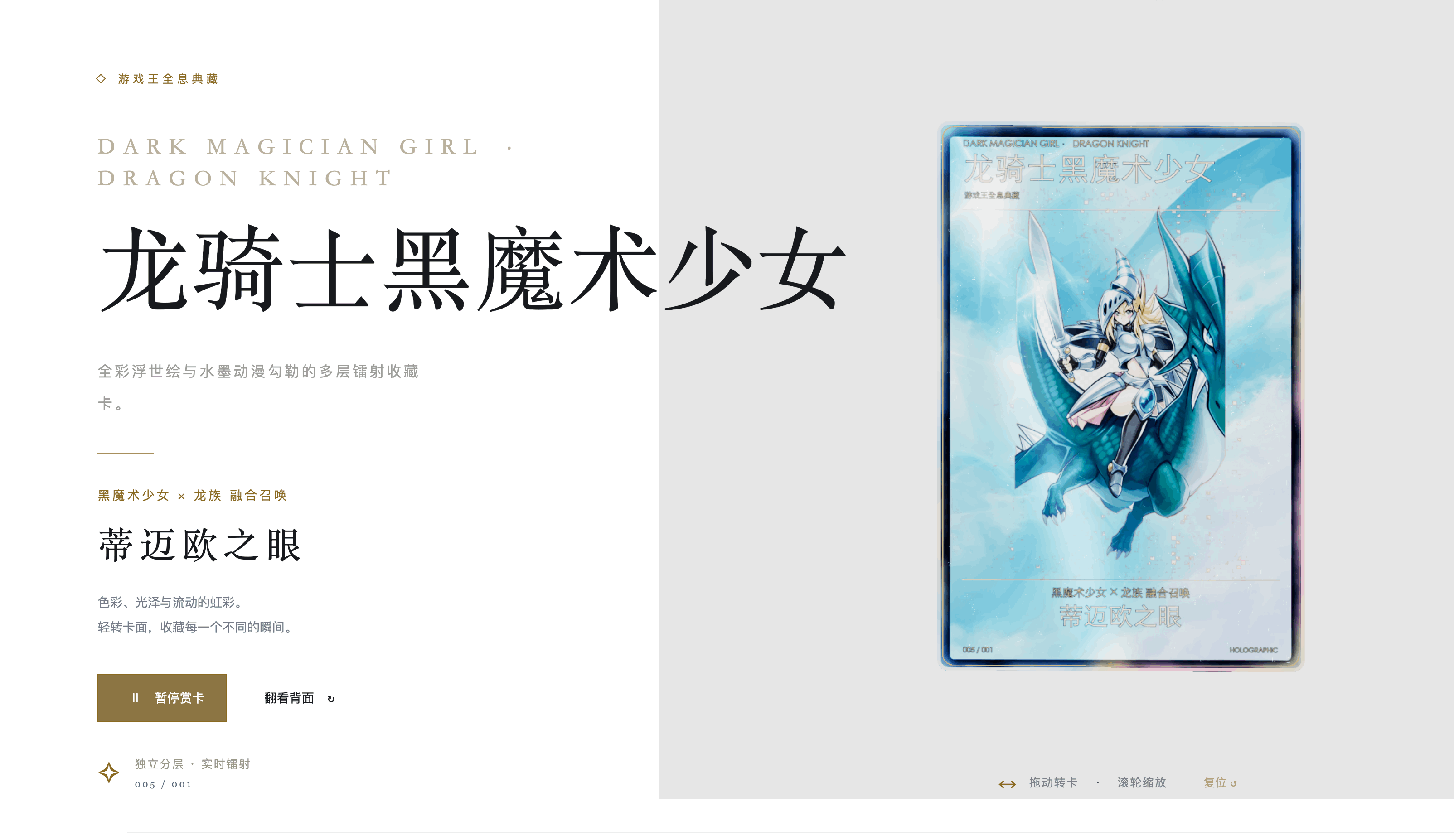
最近刷到很多闪卡的帖子,有些提供了SKILL,下面 ⭐️ 了几个,来测试看看
我这里拿豆包工作(可以白嫖图片生成 Seedream 模型)
生成的所有结果放这里了:可以直接访问查看: https://flash-card.sugarat.top/
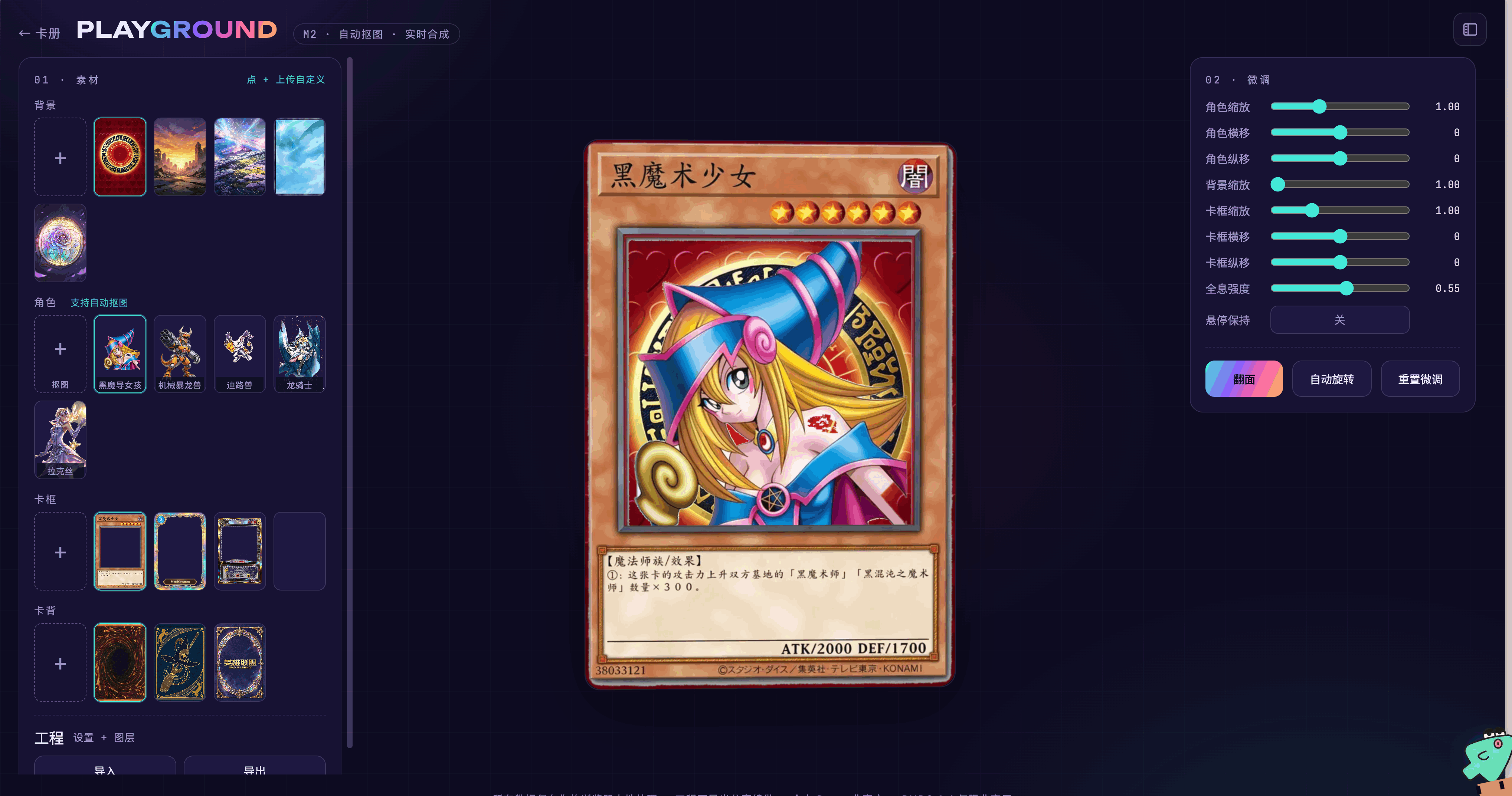
我还单独做了一个可以自由替换的,利用内置本地模型进行角色抠图。
https://flash-card.sugarat.top/playground/
这个 SKILL 不需要 Blender 纯前端搞定。
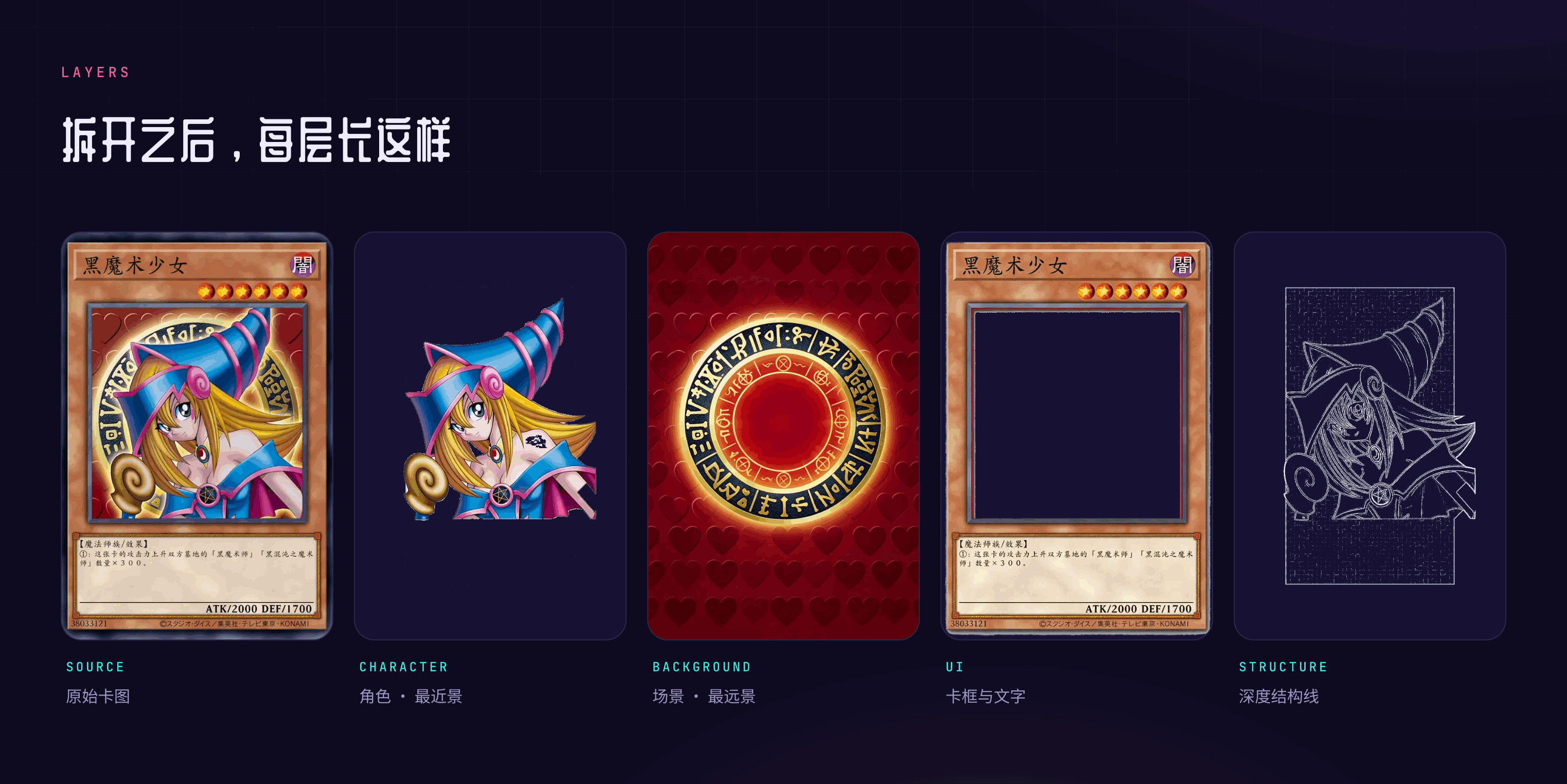
4层资源构成
我这边基于 holo-card 做了一个优化版 holo-card-lite,欢迎感兴趣的小伙伴试玩。
2026-09-19 15:43:56
欢迎来到第 133 期的【视野修炼 - 技术周刊】,下面是本期的精选内容简介
下面开始本期内容的介绍ღ( ´・ᴗ・` )比心。
两周的内容嘿嘿 😋,后面几天还会有一些 AI 相关的零散的项目体验分享,内容爆炸还没消化完
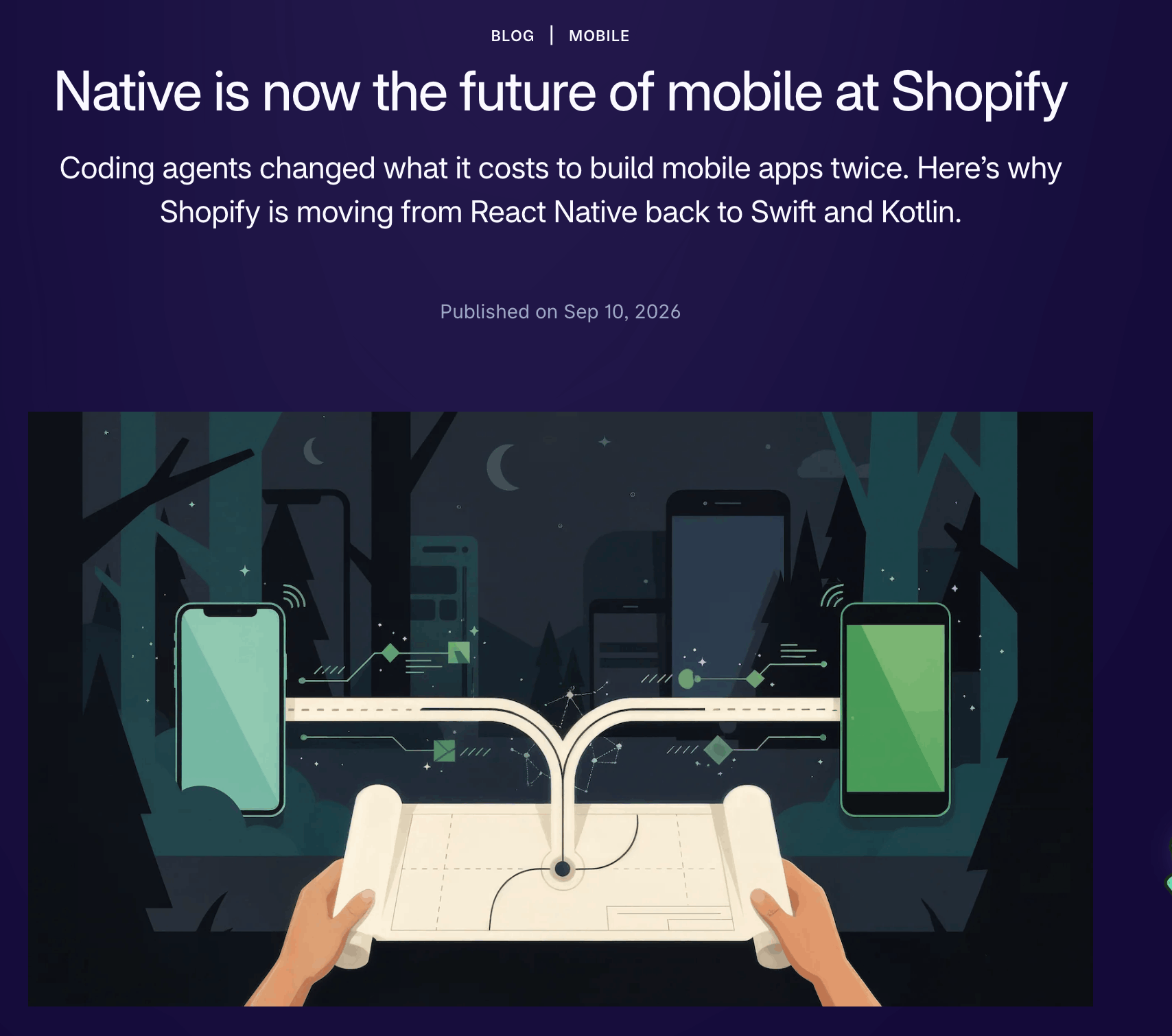
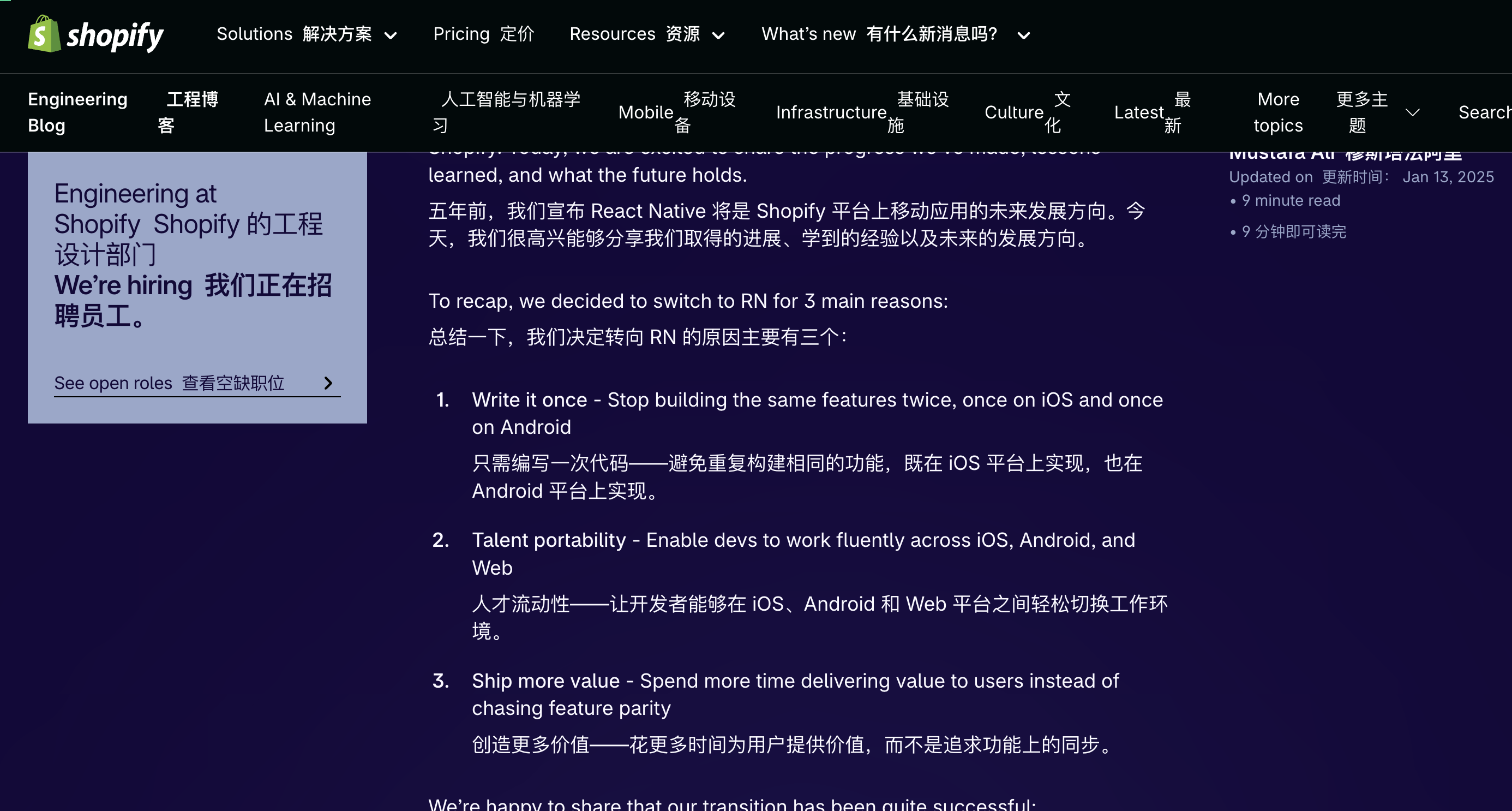
客户端的同学又要站起来了!
不过去年还在吹 RN 呢 ...。
AI 确实 让语言变得不那么重要,开发者只关心写出来能不能 work 不关心过程了,笔者也是哈哈
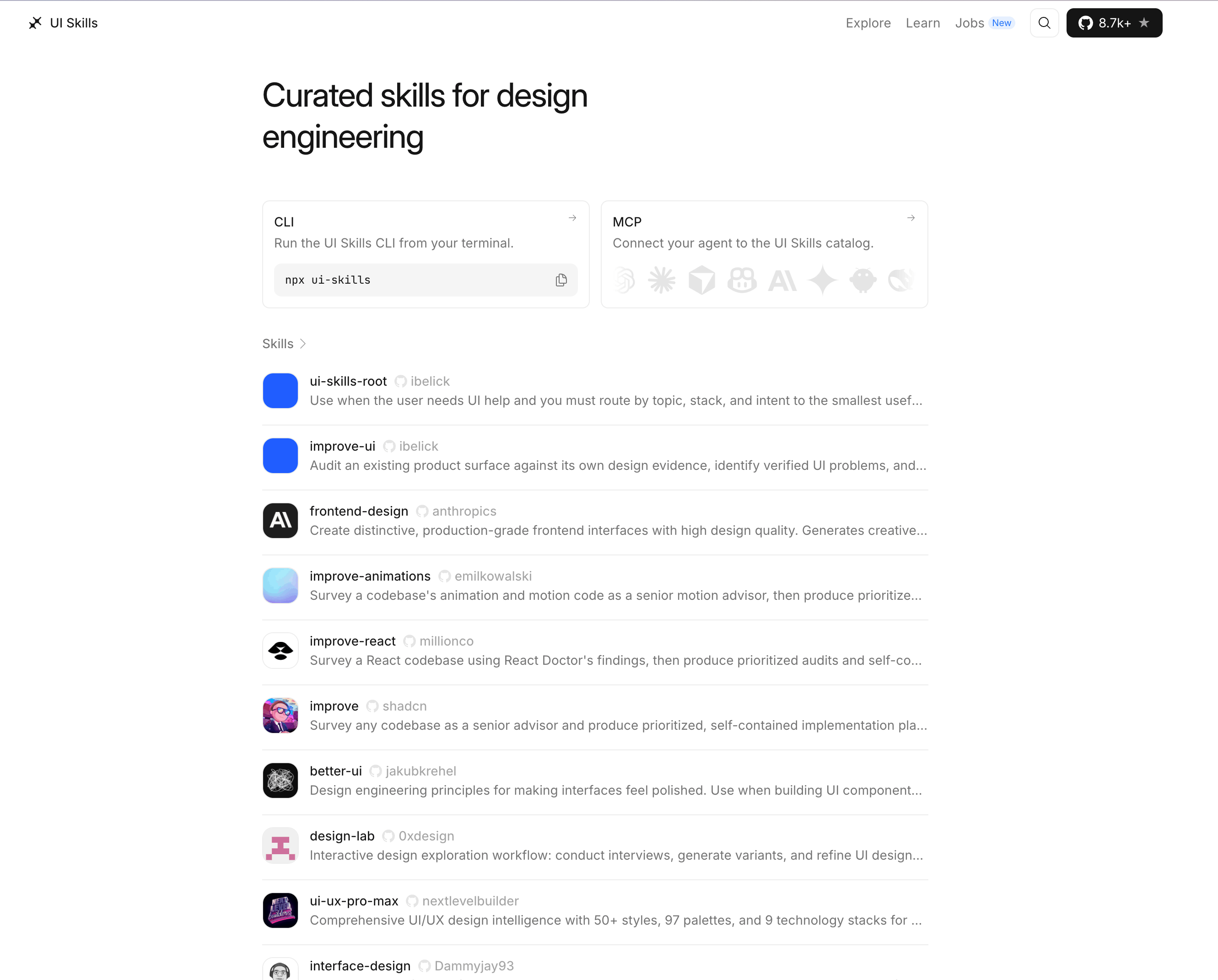
ui-skills.com
收藏装上就对了!
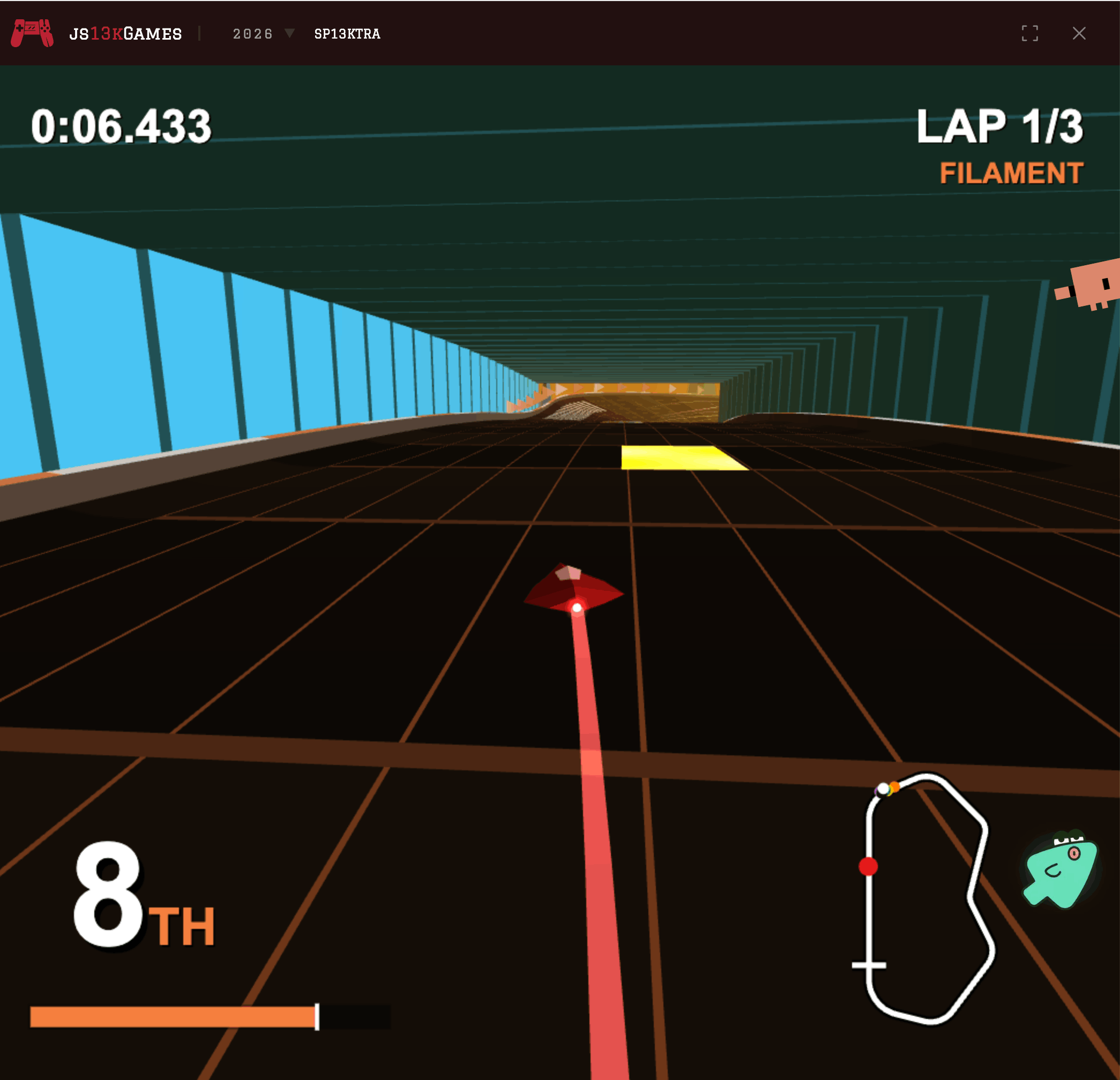
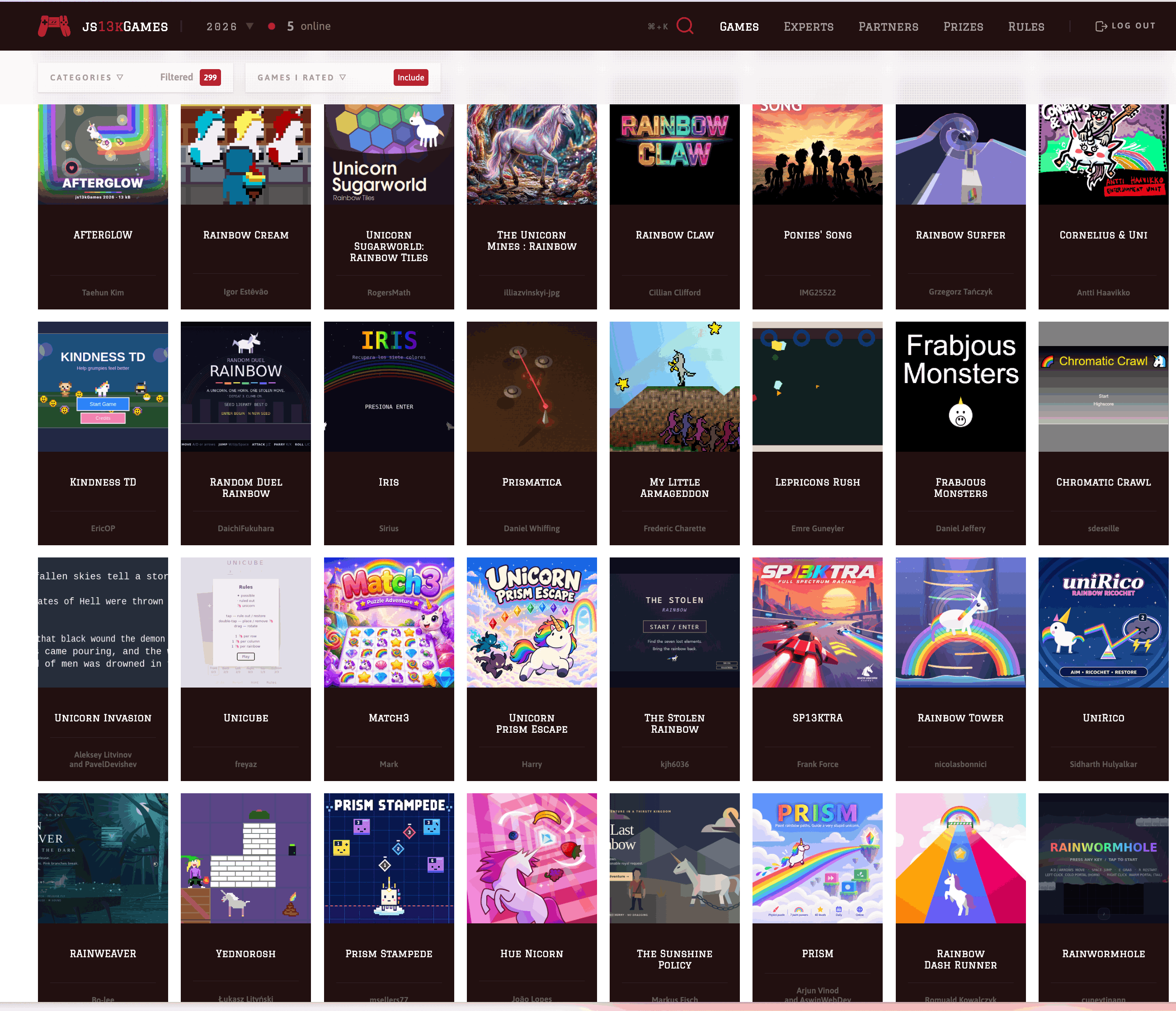
很多有创意且精致的小游戏
进步
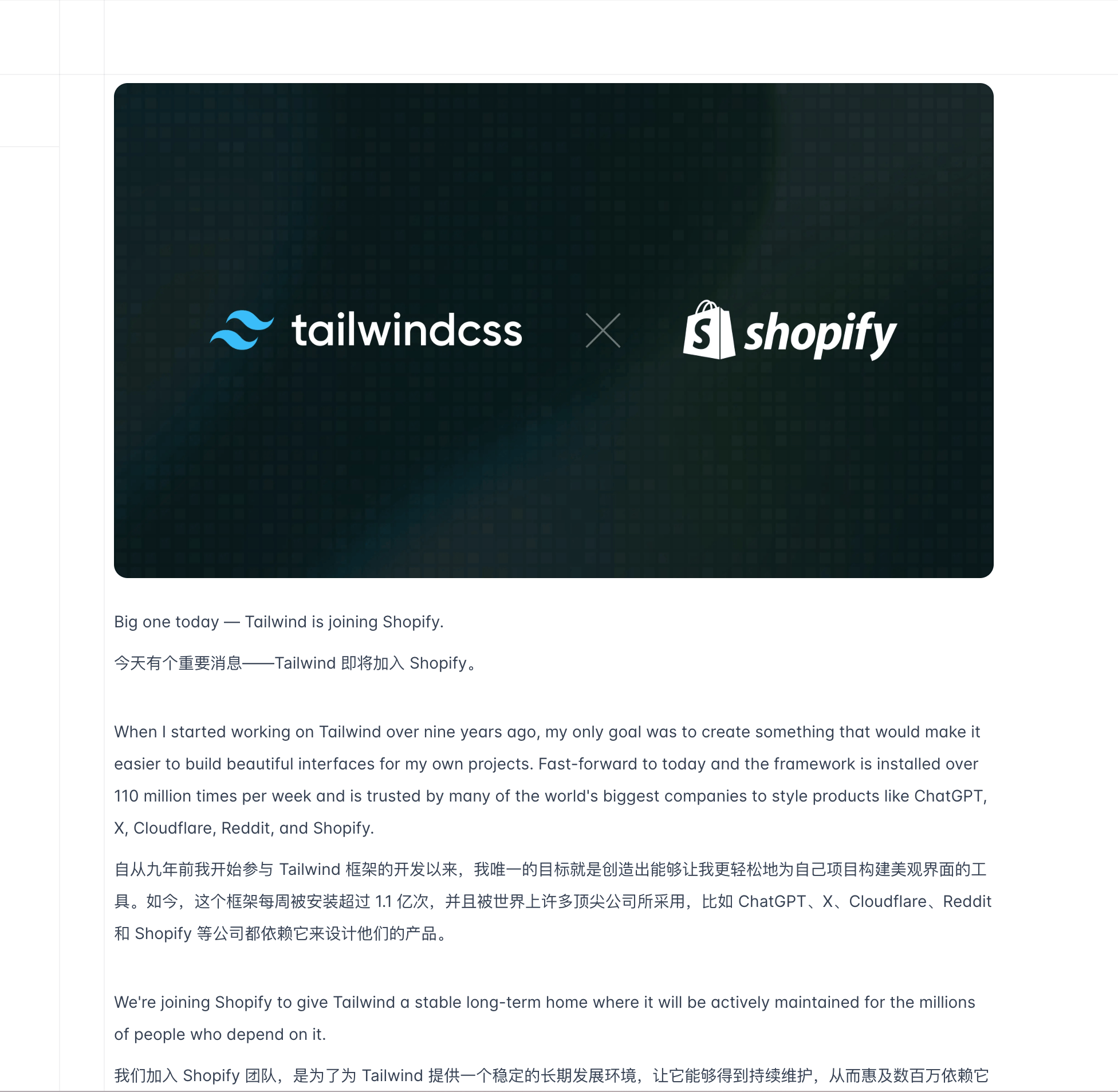
收编,印象之前作者在 X 上叫公司收购它,不然它得捣乱了,眼红 Bun 被 Anthropic(Claude 的母公司)收购
三合一 😄
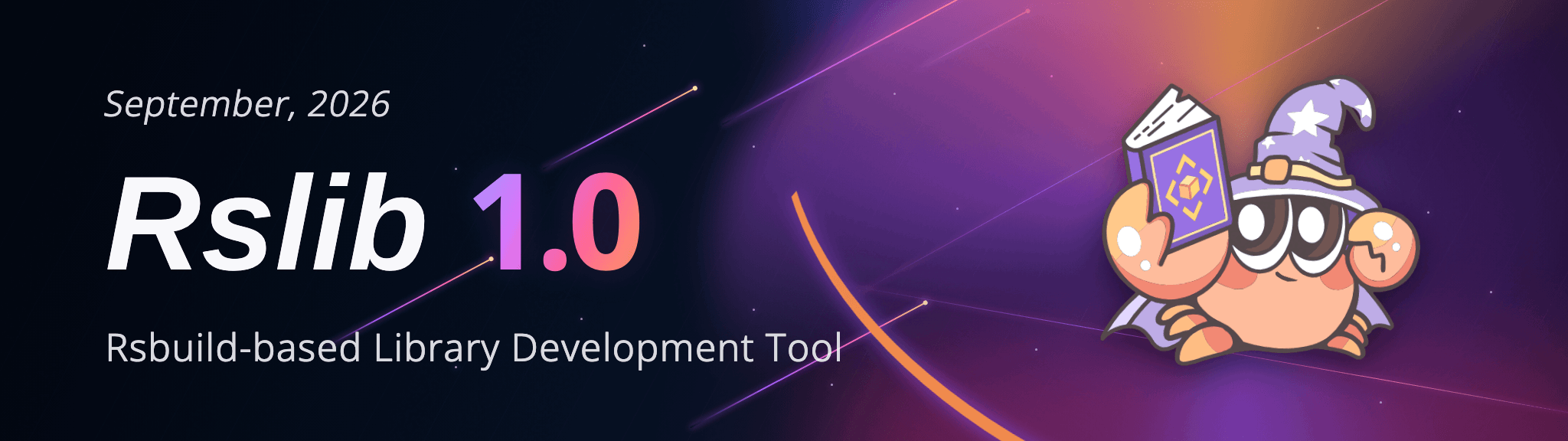
用于构建 JavaScript 库和 CLI 的工具
Rspack 下的工具库构建方案。
对标 tsup(基于 esbuild) / tsdown (基于 rolldown) 等构建工具。
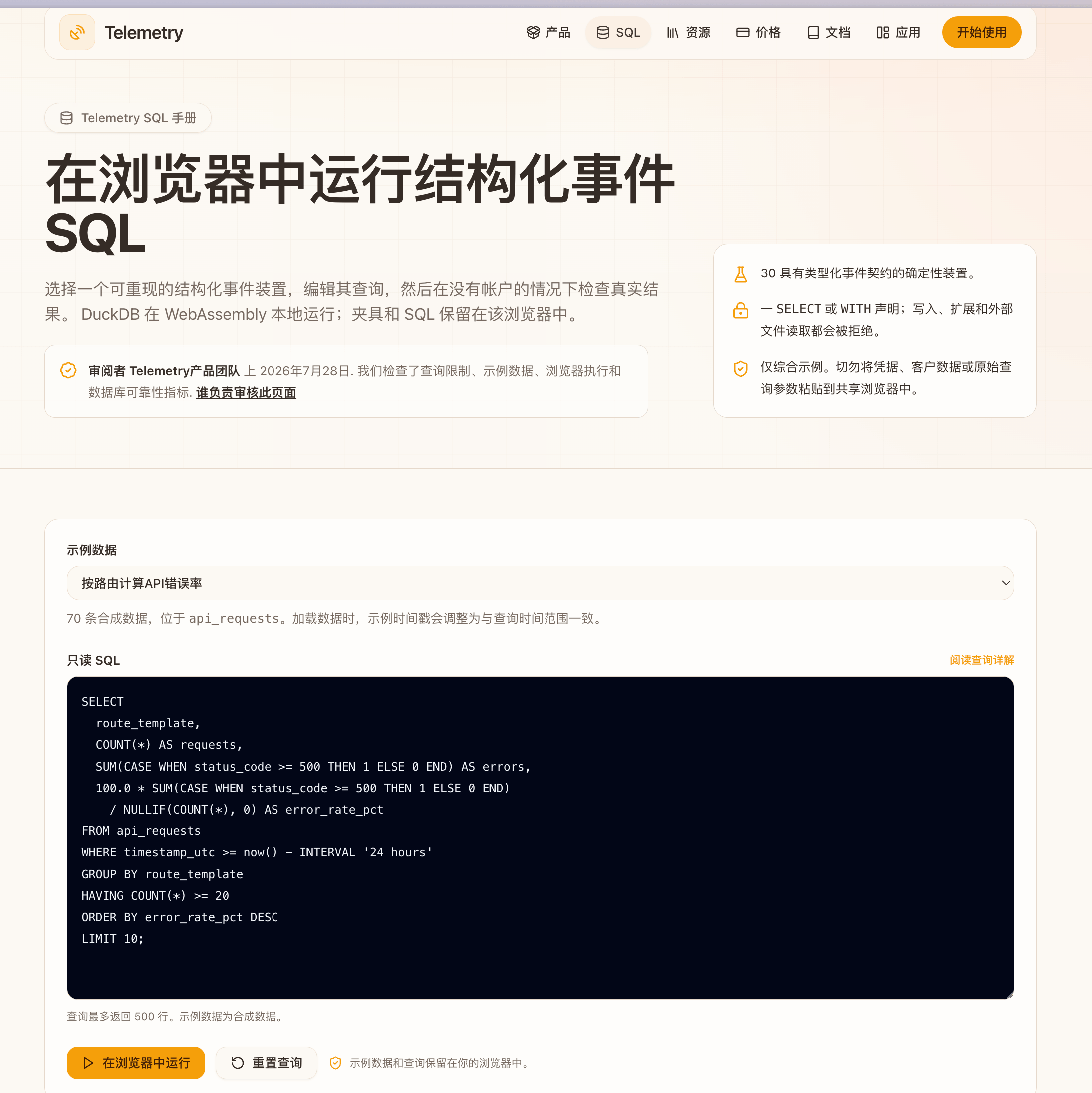
来自 Telemetry(telemetry.sh)的开发者 JR 自荐
这个公开 Playground 不需要注册,使用浏览器里的 DuckDB WASM,带有合成事件数据,可以用 SELECT / WITH 查询练习按页面、事件类型等维度统计结果。
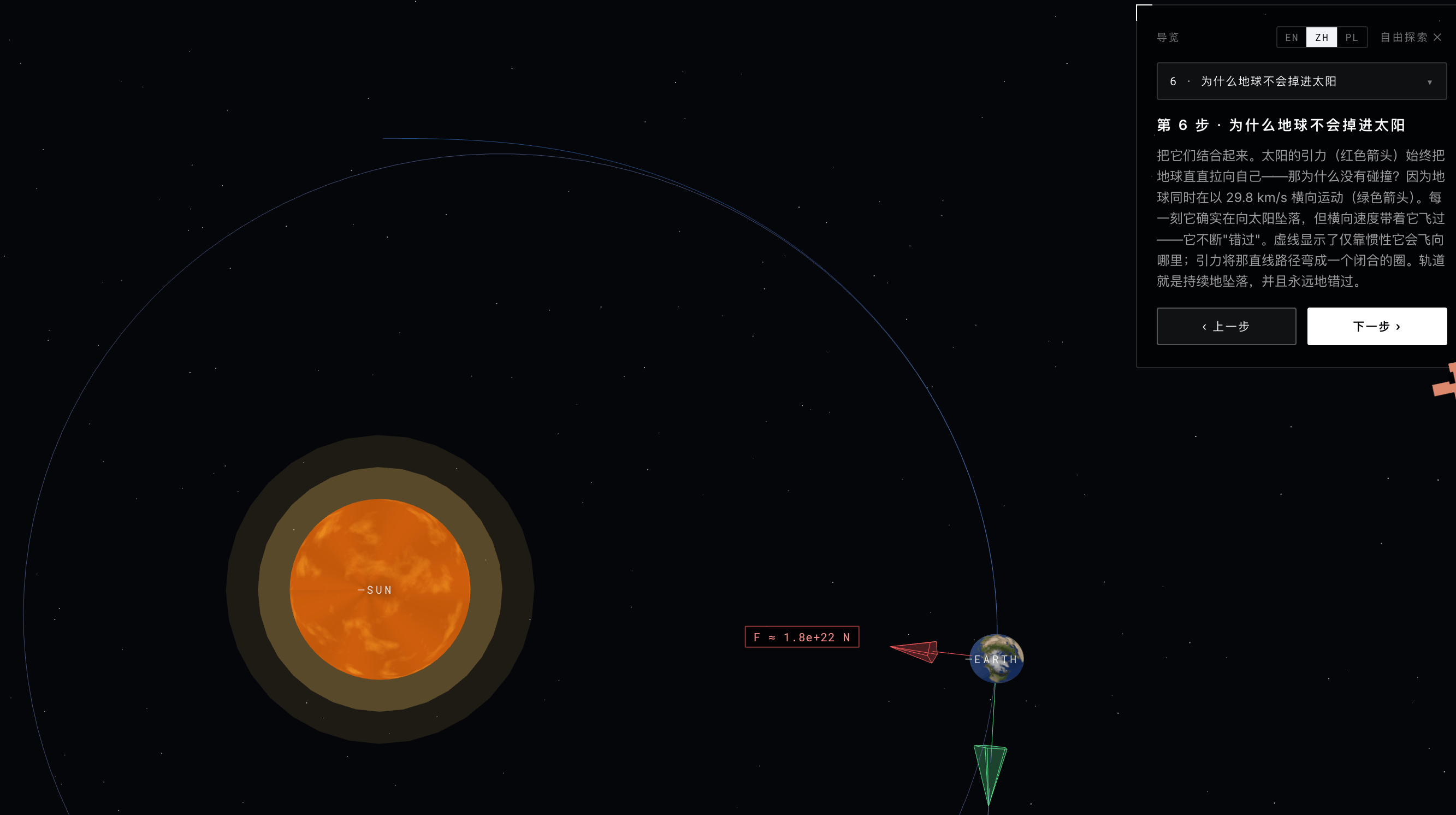
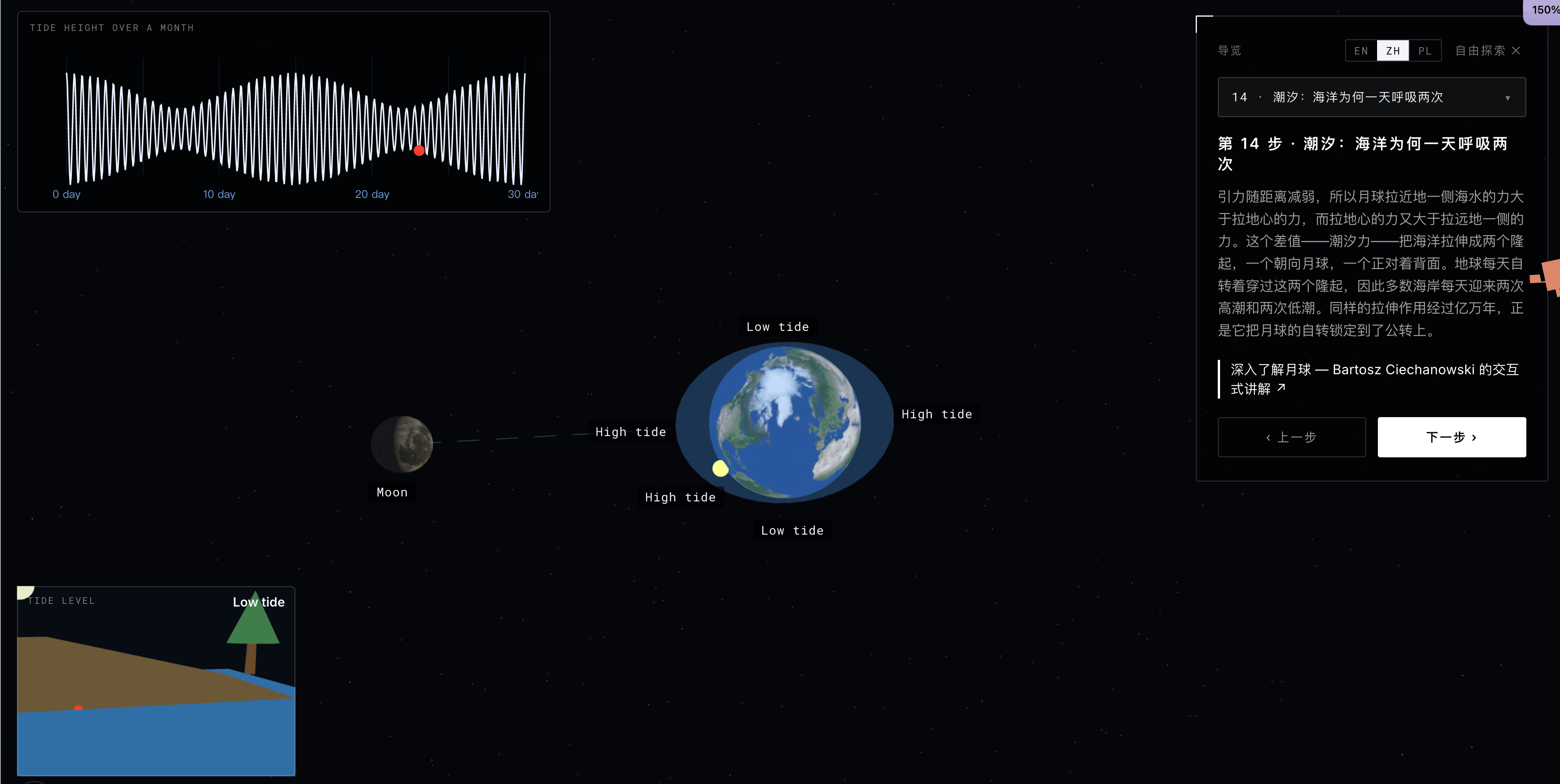
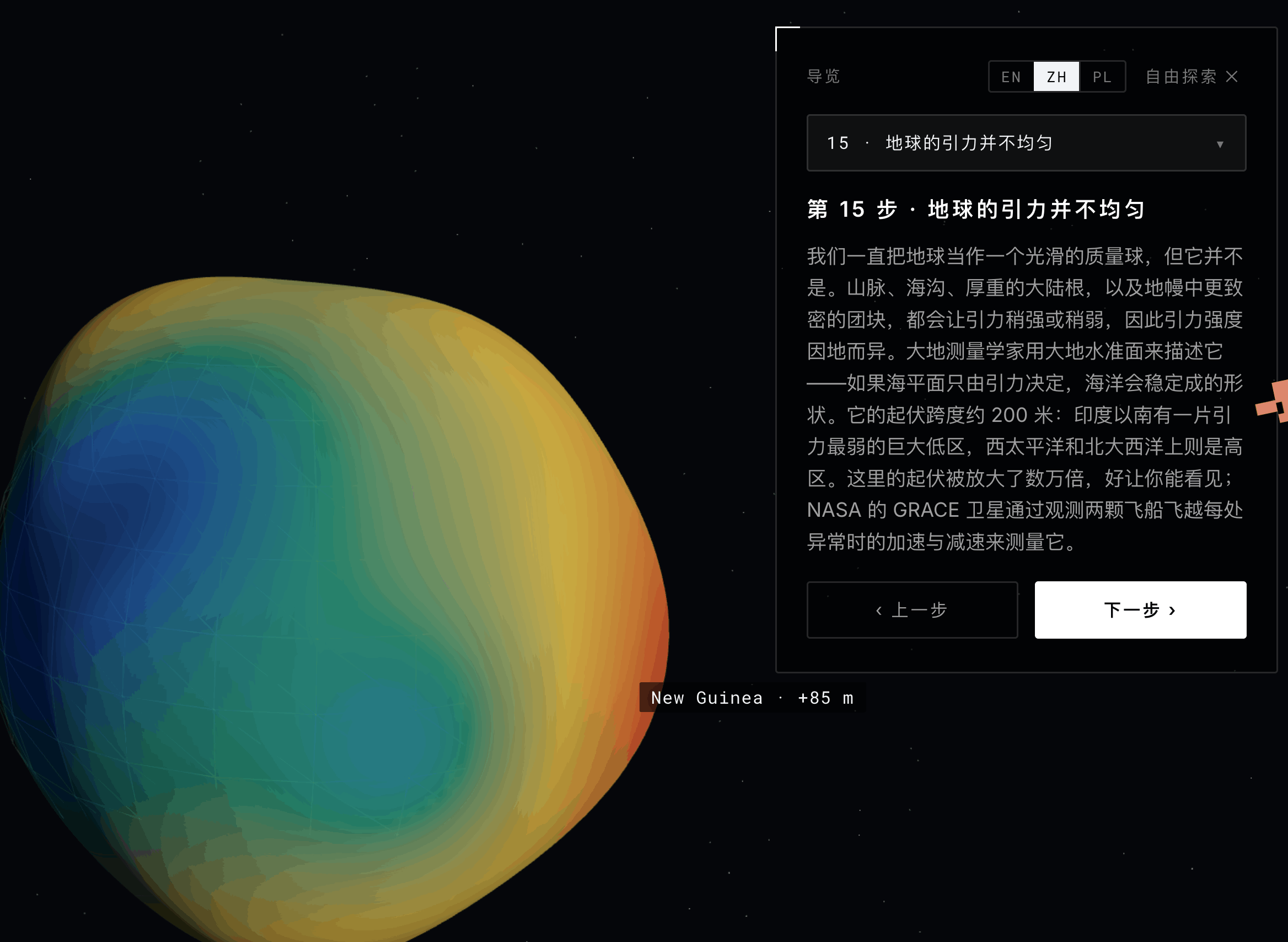
挺有趣的👍🏻,diao爆了,作为科普非常棒。
const response = await fetch(url) // awaits the headers
const body = await response.json() // awaits the body
await fetch(url) 看起来是等待响应的,但实际上它只是等待头部信息。
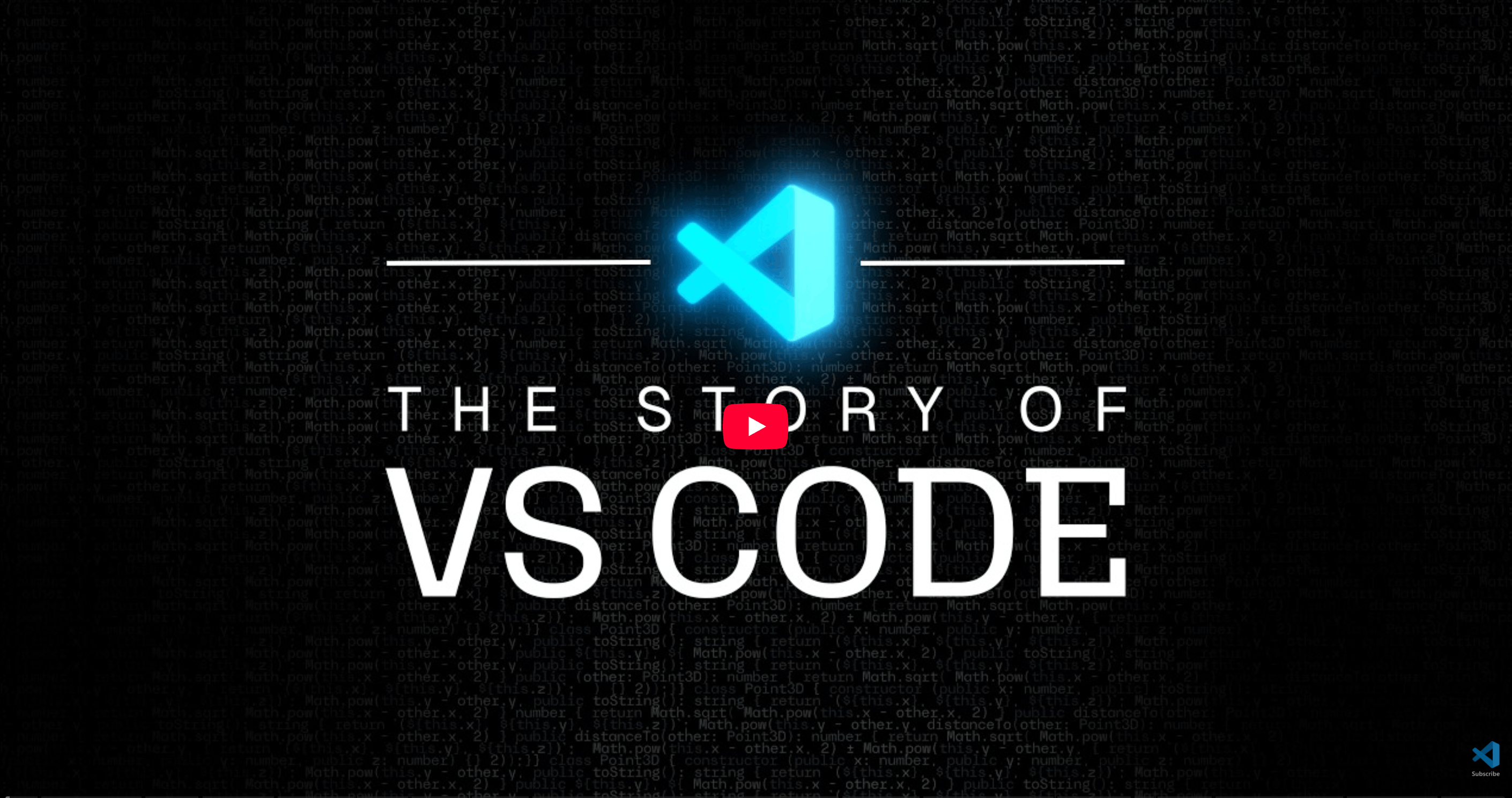
官方电影级纪录片,讲解了 VS Code 项目的诞生历程。
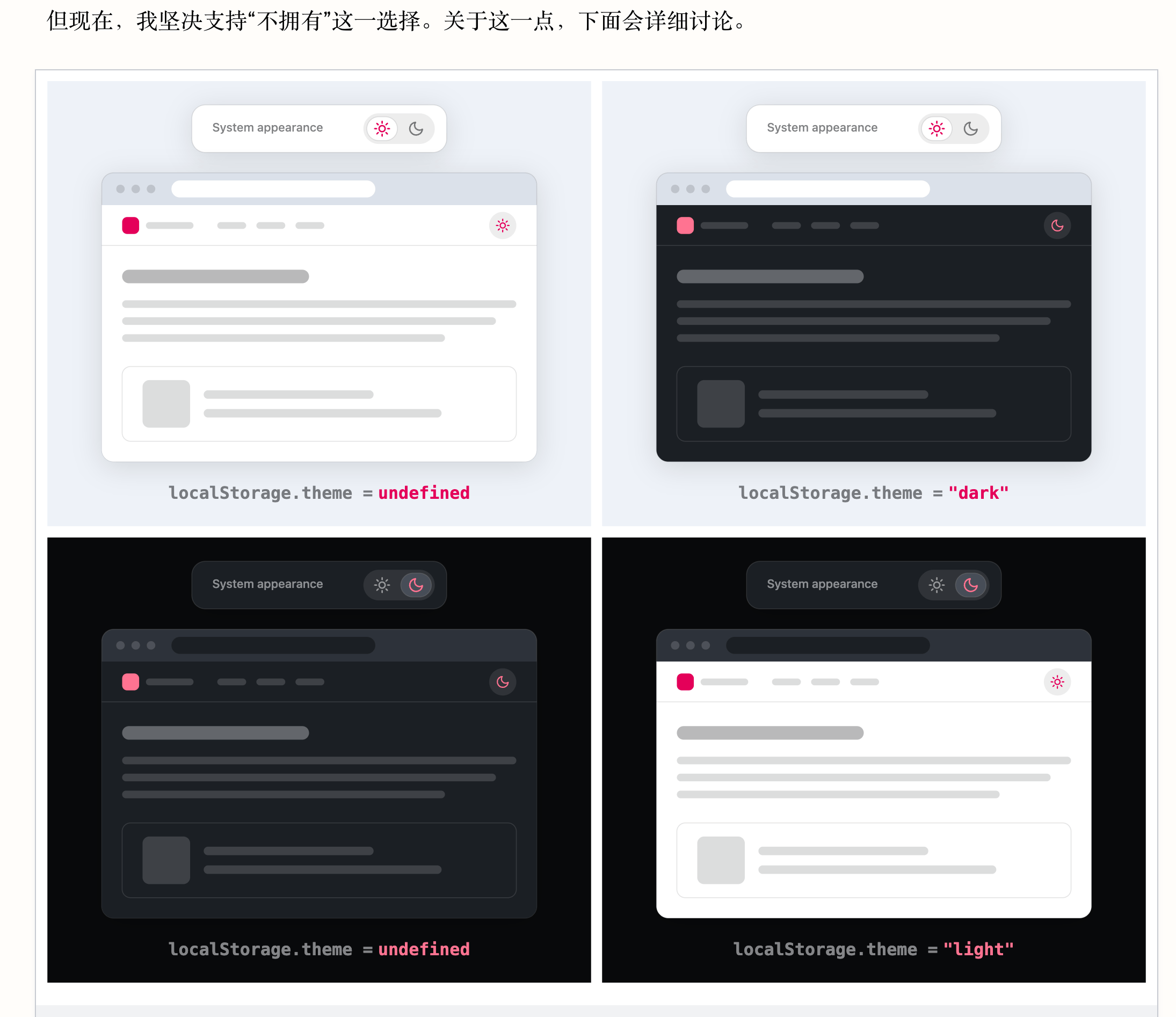
文章作者的观点是,多数网站不需要常驻切换;有跟随系统 + 设置面板即可。
周刊部分内容来源如下渠道,推荐大家关注。
2026-09-15 17:39:28
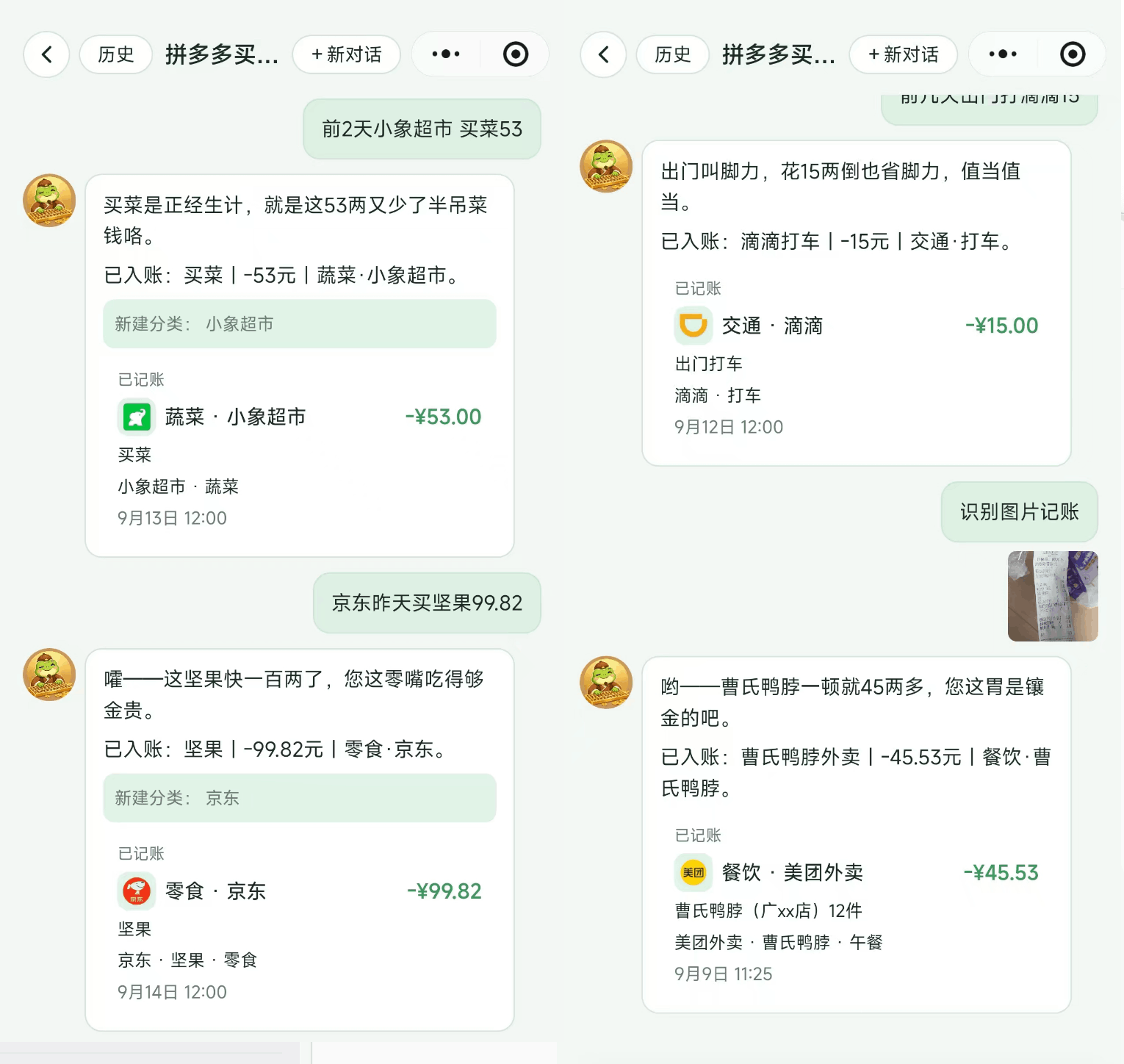
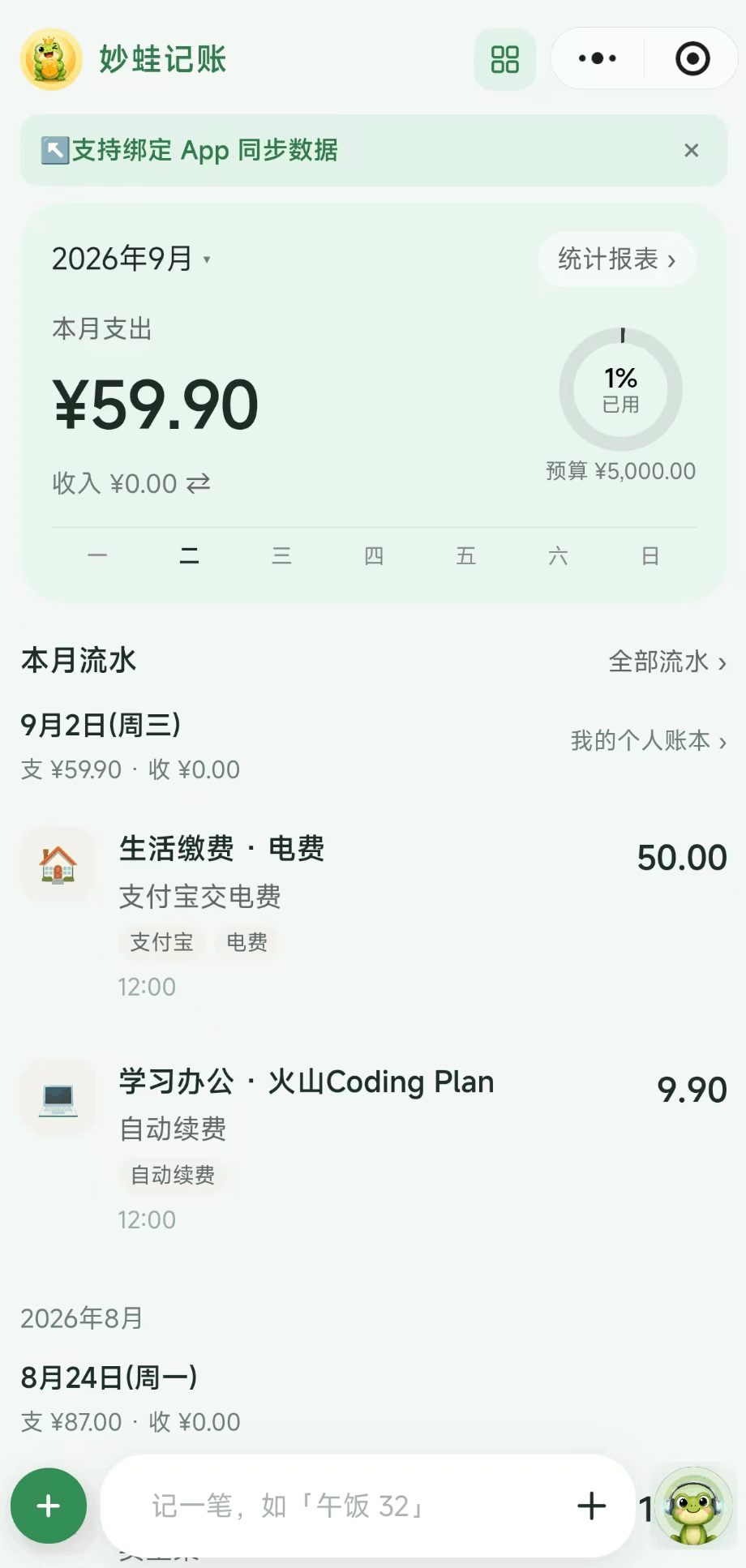
Agent 实践过程中搓了个记账的 APP。
由于 APP 上架门槛太高,弄了一个可以平替的小程序,方便推广与使用。
欢迎有记账需求的小伙伴体验 妙蛙记账。。
目前还支持 Web 和 Android:https://miaowa.sugarat.top/docs/download.html
核心功能就是:自然语言描述,自动记账和完成数据查询。
欢迎试用反馈建议,帮助产品迭代。
后续主要是修 bug,优化 Agent 侧的交互体验,过程遇到的一些问题也会单独分享一下。
交流群:

2026-09-06 16:46:16
欢迎来到第 132 期的【视野修炼 - 技术周刊】,下面是本期的精选内容简介
下面开始本期内容的介绍ღ( ´・ᴗ・` )比心。
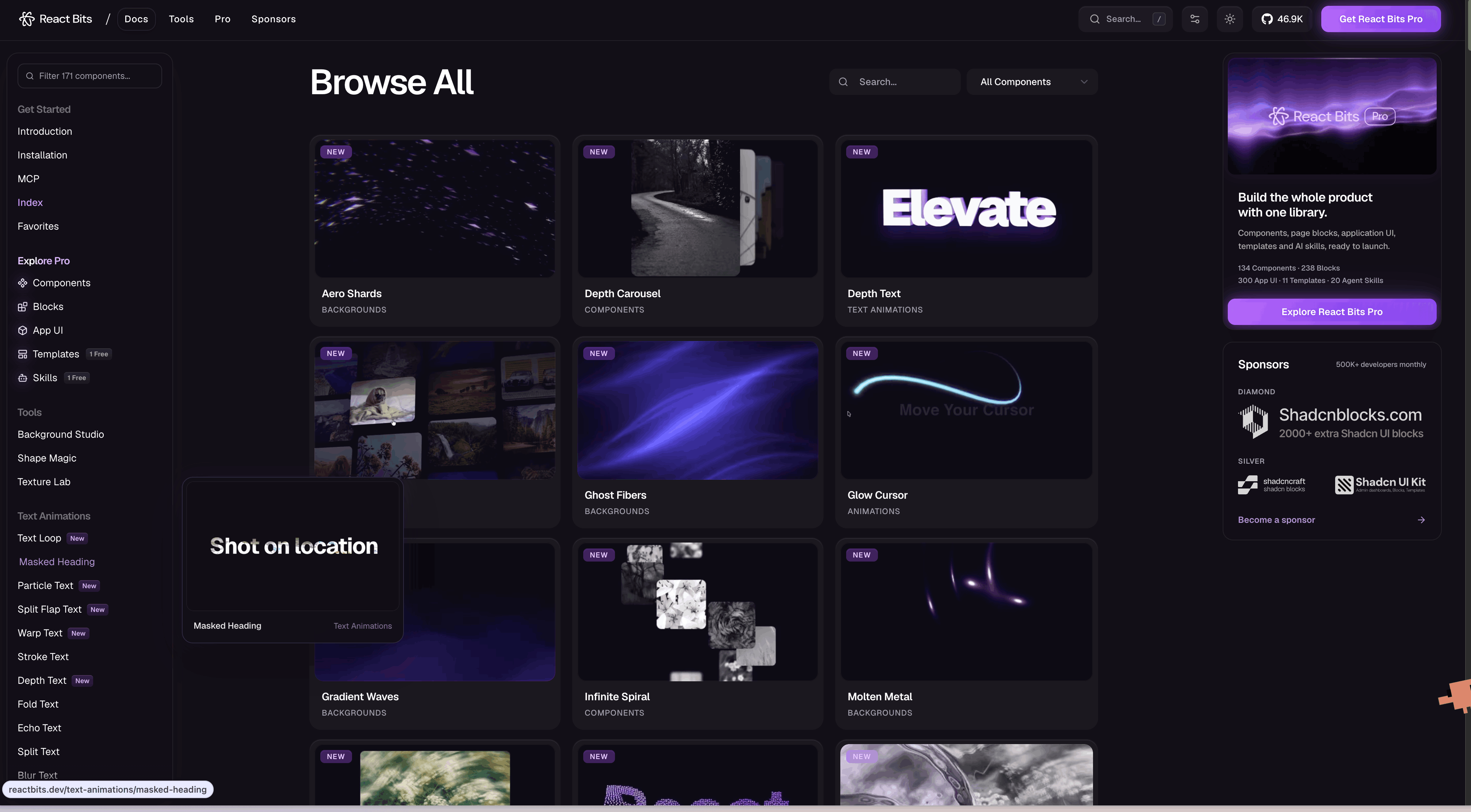
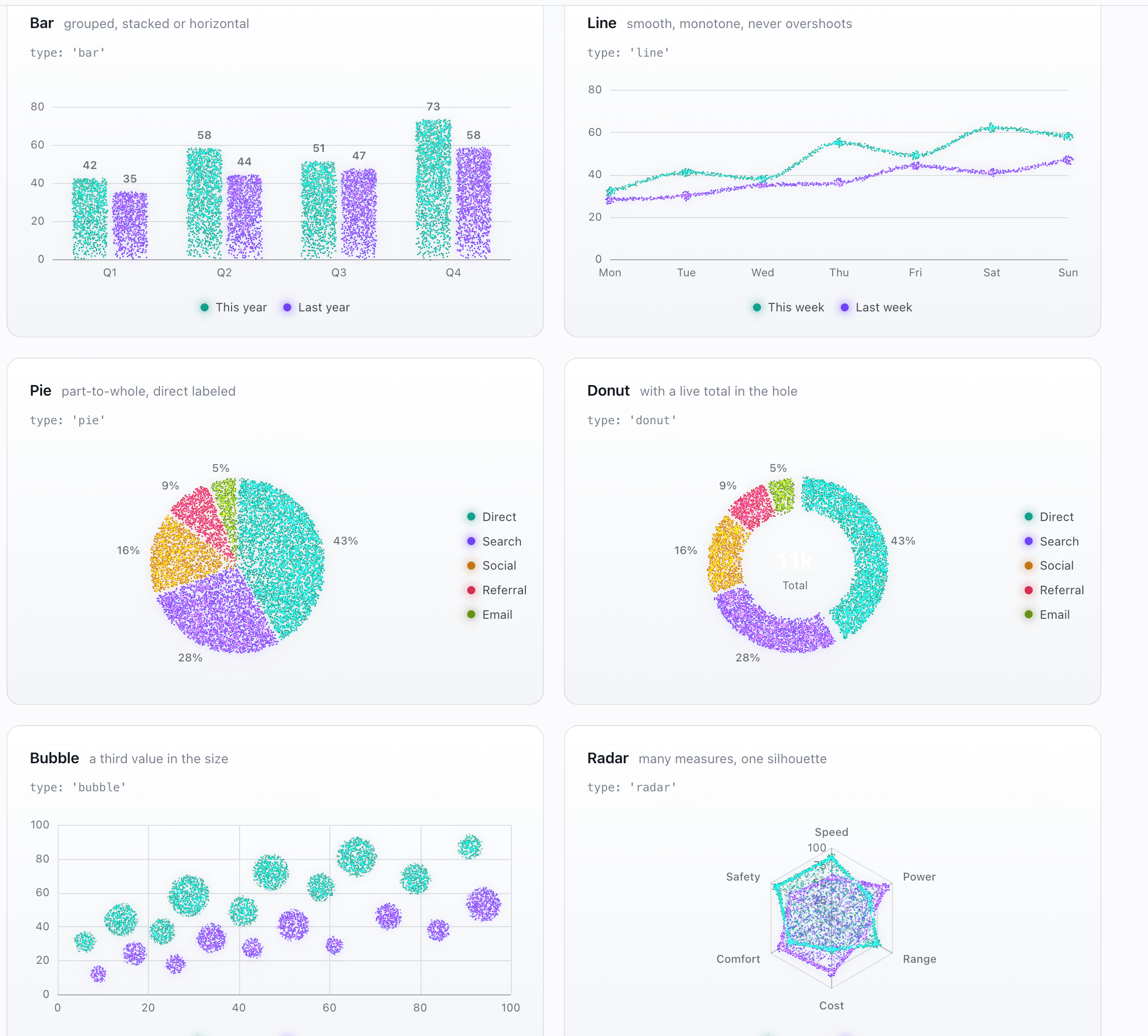
许多高质的效果,copy 即用。
收藏了!
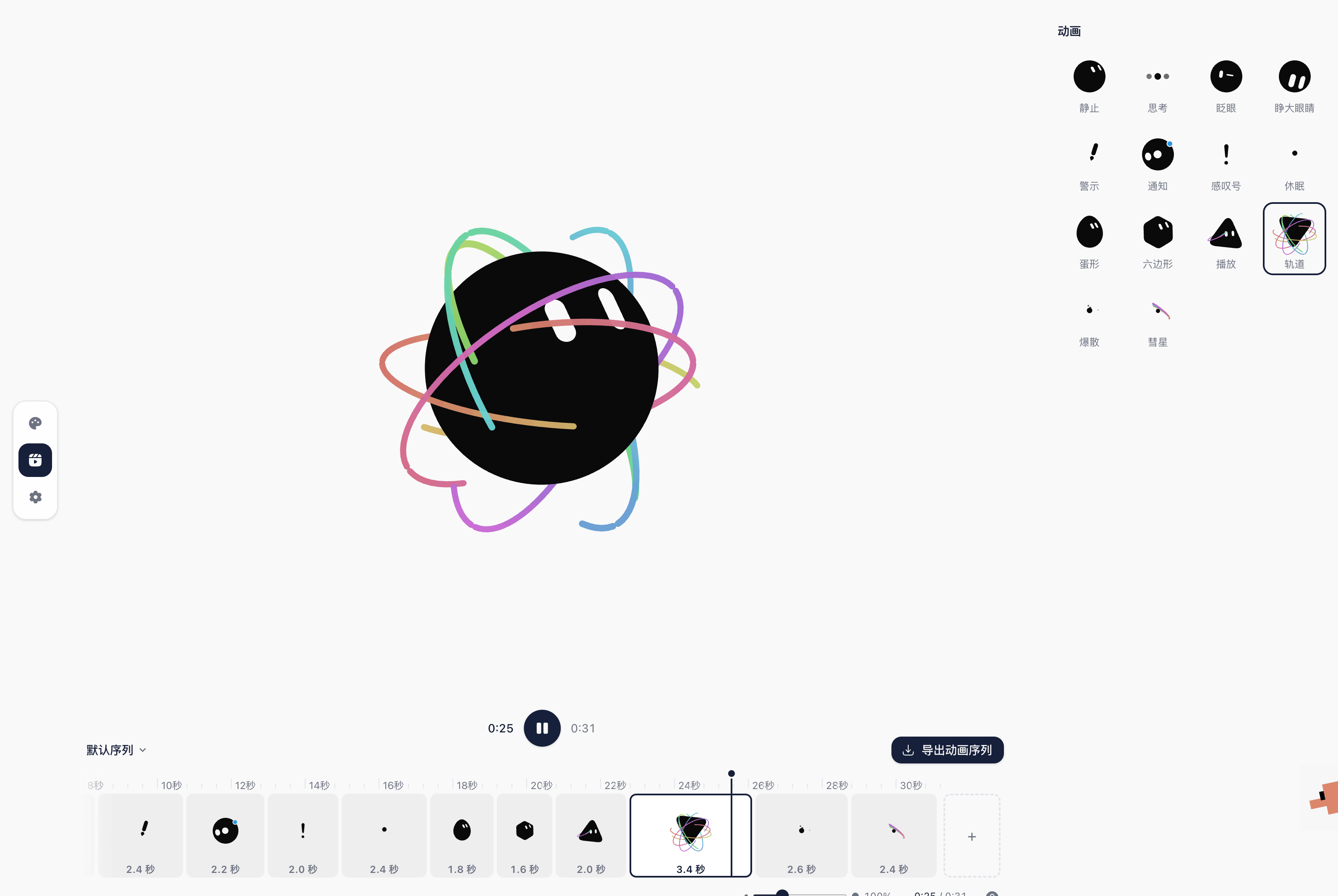
多种颜色/形状可调整,可以做动画编排。
有趣!☺️
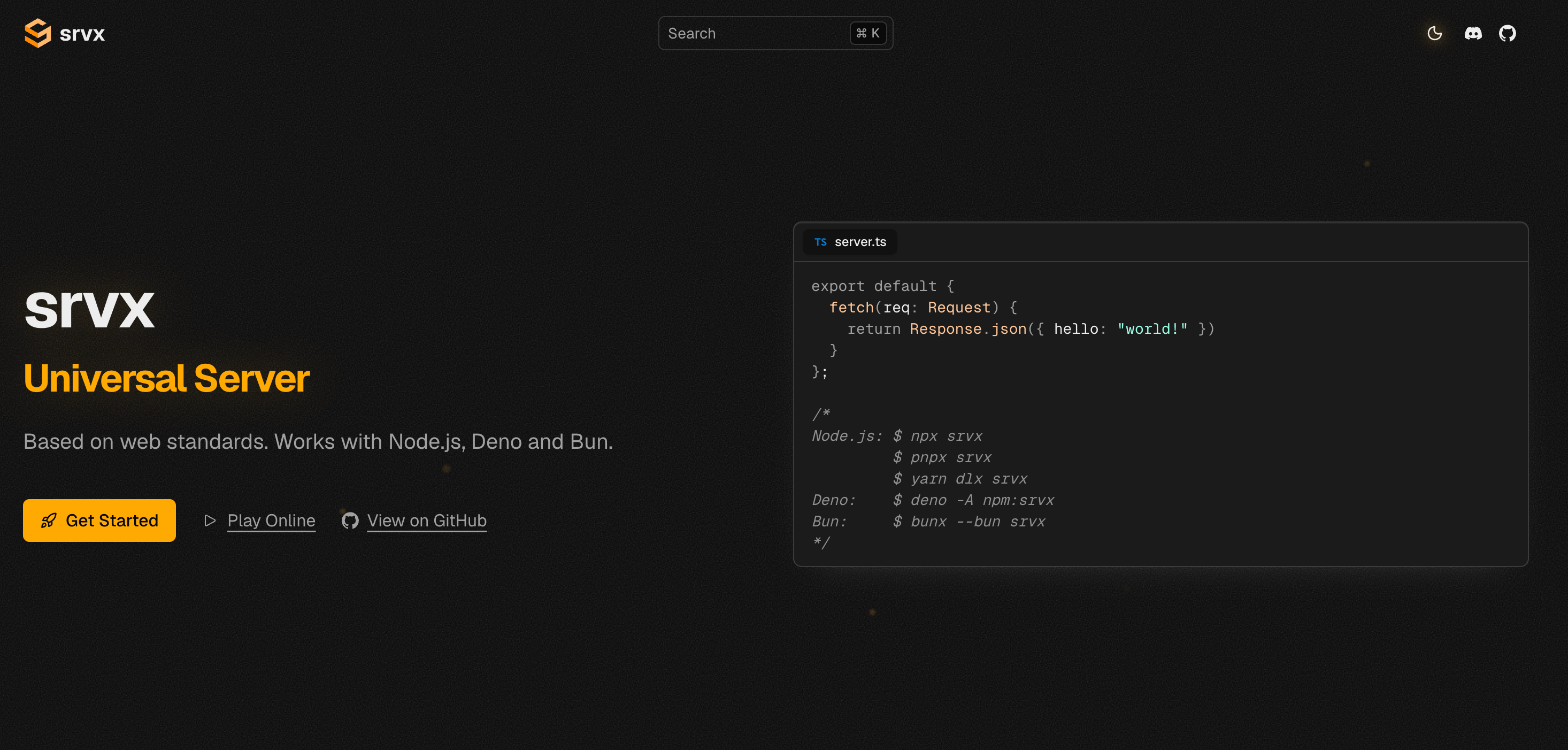
支持 Node ,Deno,Bun。不需要额外再写胶水代码。
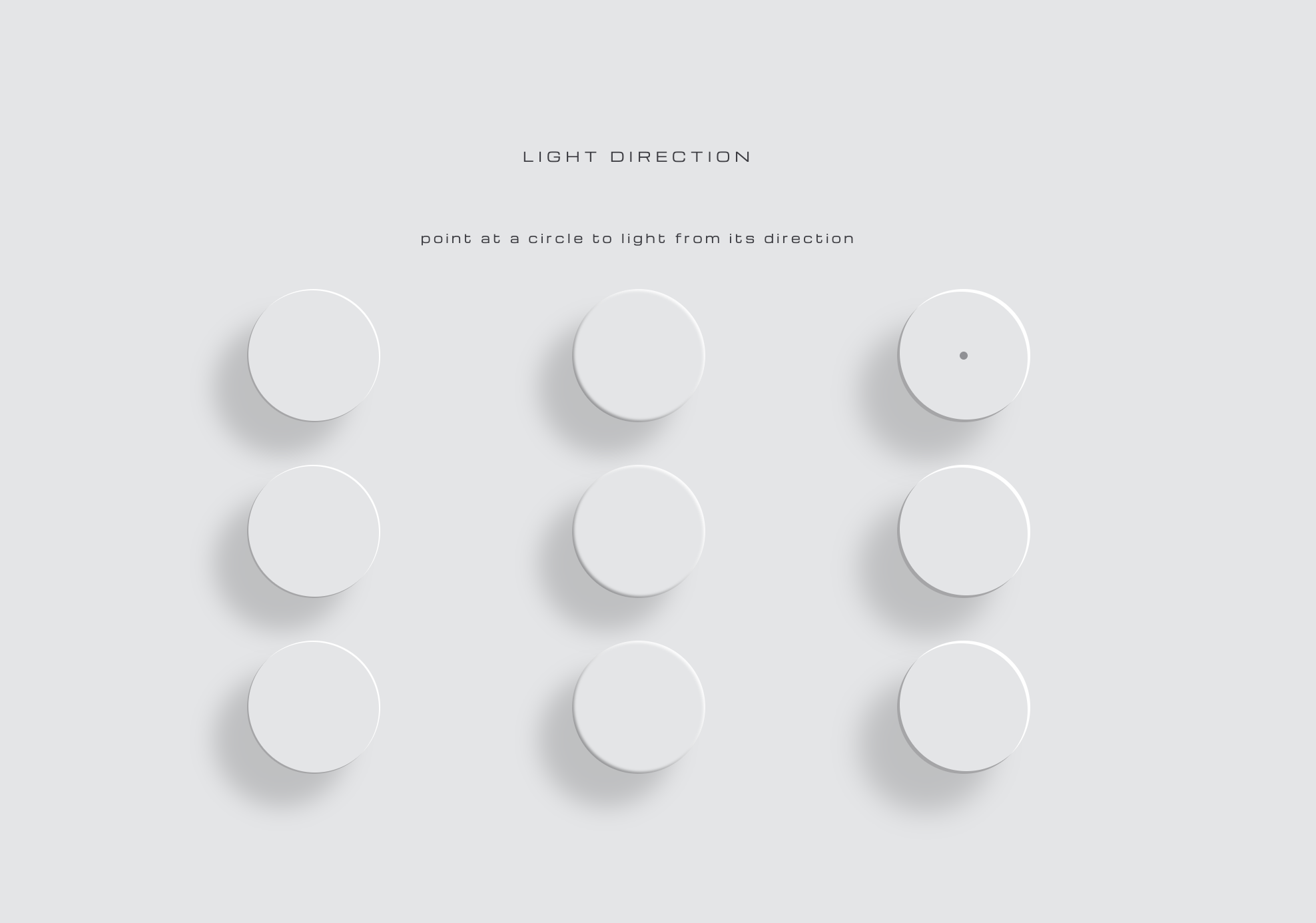
基于物理的 CSS 光照系统。定义好光源后,所有的阴影、高光和表面渐变都从它推导而来
周刊部分内容来源如下渠道,推荐大家关注。